Construct geometric shapes using points, lines, circles, polygons, and angles. Drag points to explore interactive . Measure lengths and areas. Transform shapes through mirroring, rotating, and dilating.
by GeoGebra GmbH★ 4.074 ratingsEducationFreeData updated 2026-09-12
Learn concepts through interactive games and videos. Practice factor pairs, number patterns, place value, rounding, fractions, decimals, and data interpretation. Track progress and reinforce common core standards.
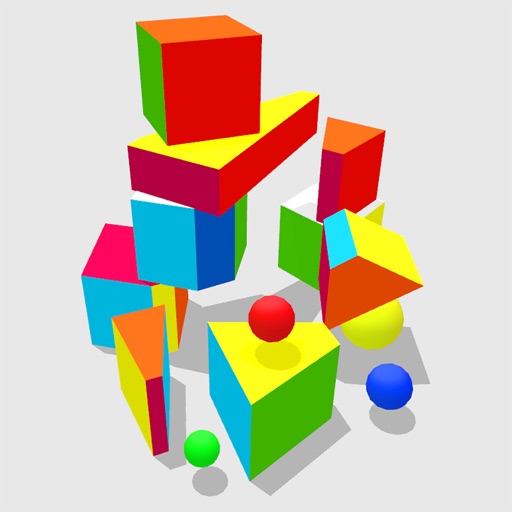
Explore 4D shapes through interactive play with a physics engine that simulates four-dimensional movement. Manipulate objects by poking, throwing, and rolling them. Observe how they behave in unseen dimensions.
Teaches toddlers to and lines, shapes, and letters. Includes ABC, numbers, and languages like Spanish and Hindi. Features phonetic learning and interactive tracing exercises. Enhances hand-eye coordination through drawing activities.
Access French and English dictionaries with 57,000 headwords and 190,000 translations. Includes 90,000 phrases, verb conjugations, and usage examples. Search without internet connection. View detailed definitions and translations.
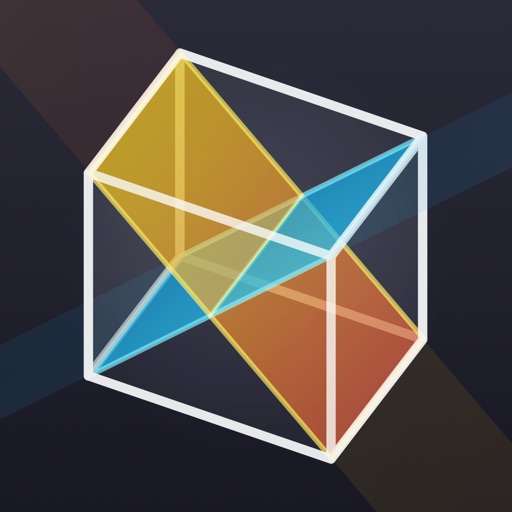
Learn to construct cross sections of polyhedrons using step-by-step instructions. Study 12 subjects and complete 105 tasks ranging from basics to challenges. Solve geometric puzzles and explore 35 terms in a glossary.
Create drawings and paintings using a variety of colors and brushes. Select from pre-drawn shapes and stickers. Save artwork to device storage. Share creations via social media or email.
Helps students learn fractions, decimals, and percents by ordering equivalent values on a . Features include multiple levels, visual representations, and interactive exercises to reinforce concepts.
Calculate lengths, angles, and area of shapes. Select a shape from a list. Input values into text boxes linked to orange points. Adjust point positions using the NEXT button or tapping points.
Teaches children aged 2 to 5 about fruits and vegetables through 12 activities and 40 mini-. Features include vocabulary building, logic exercises, and language skill development. Includes interactive , no ads, and a child-friendly interface.
Teaches letter shapes and pronunciation. Guides correct letter formation with start points, strokes, and direction. Includes difficulty levels for assisted . Allows to practice handwriting in a game-based learning environment.
Solve right-angled triangles by inputting known sides or angles. View step-by-step calculations and a scale drawing of the triangle. Access basic trigonometric formulae. Enter angles in radians, decimal degrees, or degrees, minutes, seconds.
Access Italian and English translations without an internet connection. Conjugate verbs in all standard forms. View usage notes and examples. Translate numbers and use a dictionary with verb conjugation tools.
Merge circular elements to form dice. Tap to combine circles and create different dice types. Adjust dice properties and roll them to generate random outcomes. Track progress and unlock new dice variations.
The app allows users to create geometric shapes and explore their properties. It includes tools for drawing, annotation, and transformations, with automatic metric calculations and snapping features.
Children practice addition and multiplication through interactive . Learn place values up to hundreds and measure lengths. Watch educational videos on time, money, and shapes. Track progress with personalized learning activities.
Teaches and through interactive using real-life objects. Includes puzzles and sorting activities. Encourages motor skills and hand-eye coordination. Allows parents to track progress and set learning goals.
Write letters, practice strokes, improve structure
Practice to improve handwriting through structured letter formation and proportions. Write larger letters for accurate curves and lines. Track progress with practice sessions and receive feedback on letter quality.