Create with questions on one side and answers on the other. Import from Excel, Numbers, or CSV files. Use text-to-speech to hear card content aloud. Edit card details and organize them into decks.
Display messages in large, clear text with automatic resizing. Save all cards permanently and access favorites quickly. Swipe to navigate and shake to save or erase messages instantly.
Track Bible reading progress with reminders and progress tracking. Set reading goals and receive notifications. Access scripture passages and check completed verses without ads.
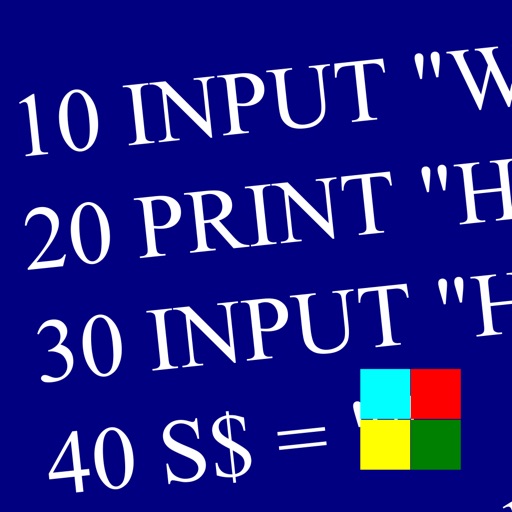
Learn and program language on iOS devices. Enter and run code, use built-in functions, and access help documentation. Save and load programs. Simulate Commodore 64 environment for educational use.
Convert and audio/video to without additional steps. Upload PDFs, articles, or notes for voice output. Record audio or video files for transcription. Choose AI speakers for customized listening.
Save articles to read later or skip them. Import from Instapaper or Pocket. Set weekly goals with reminders. Automatically archive unread articles after a set period. Manage queue and organize saved content.
Read with a live on-screen prompter while recording via front or back camera. Adjust text scrolling speed. Maintain eye contact with the camera by viewing the prompter without looking away.
Convert to speech using TTS technology. Adjust reading speed and select voice options. Paste or type for narration. Read content aloud without visual strain.
Enable real-time transcription of speech into text across multiple languages. Convert text to speech with customizable options including Cantonese. Facilitate communication during calls by providing text-based interaction.