Create art frames by combining images and adjusting positions with zoom, rotate, and move tools. Add 100 stickers and custom text. Choose from four output resolutions. Share images via Facebook, Twitter, Instagram, or email.
The app provides multi-purpose photo editing, including Photo in Photo, Photo Collage, and Overlay. Users can adjust color, add effects, crop, resize, frame, clone, and draw on photos.
Choose from multiple creative to enhance photos. Select images from gallery or capture new photos. Apply effects for realistic results. Share via Facebook, Instagram, WhatsApp, and other social media. Save high-resolution images.
Edit photos with splash effects, convert images to black and white, or apply custom colors. Add filters, zoom in on photos, and use a brush tool. Export and share edited images directly.
Edit photos with cartoon filters, line art, and color effects. Adjust brightness, contrast, and saturation. Add text, stickers, and borders. Export and share edited images directly.
The app allows users to create photo blends and collages using features like background removal, AI blending, and mirror effects. It offers various layouts, filters, stickers, and text for personalized photo editing.
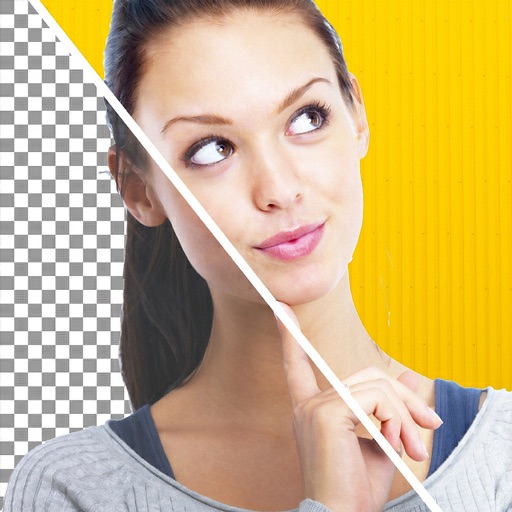
The app allows users to select foreground images from various sources and erase backgrounds. Users can then add background images, text with over 100 font styles, and over 1000 stickers to create edited photos.
Create photo montages, collages, and custom . images by erasing, changing, or adding backgrounds. Cut people from photos and them onto new images. Decorate with personal photos and fun .