
CozyKey Pro
TIAN-KAI CHANG
Type with bigger, precise keys
Offers a larger keyboard layout with big keys for comfortable typing. Supports one-handed use. Provides secure typing without full access. Features a familiar layout for easy use.

Showing 301–320 of 1,000 ranked alternatives.
TIAN-KAI CHANG
Type with bigger, precise keys
Offers a larger keyboard layout with big keys for comfortable typing. Supports one-handed use. Provides secure typing without full access. Features a familiar layout for easy use.


Toshihiro Nakane
Traditional keypad for iPhone messaging.
The app provides a traditional 10-key numeric keypad for iPhone messaging. It features an ideal key size to reduce typing errors and supports multiple languages with special characters.

Christopher Castillo
Type characters anywhere
Type characters using Traditional or Modernized layouts. Switch between layouts instantly. Input text in within apps like Messages, Facebook, Instagram, and Twitter. No additional installation required.

Tharindu Madushanka
Type with Unicode
Enable Unicode typing on iPhone or iPod touch. Type in English to convert to automatically. Supports Singlish to translation. Works system-wide for messaging and social media.

Hyosim Kim
Capture notes, copy snippets, build templates
Capture notes instantly by copying or pasting snippets from your library. Create dynamic templates with variables like dates and counters. Build hierarchical note trees using drag-and-drop. Search across all workspaces quickly.

Toshihiro Nakane
Type English messages faster and easier.
The app provides extended keys for the English keyboard on an iPhone. It includes arrow keys for caret movement and dedicated keys for typing extended characters and quotation marks.

Toshihiro Nakane
Korean typing made easier faster.
The app provides extended keys for the Korean keyboard on iPhone and iPod. It includes arrow keys for faster text editing and dedicated keys for typing extended characters and quotation marks.


Hemism LLC
Type and send text to Pro
Type on iPhone or iPad keyboards and send text to Apple Pro. Copy text to clipboard directly. Support for 130+ languages. Save and reuse frequently typed snippets. Connect multiple devices. One-time purchase for all devices.

Kenneth roe
Swipe words, create phrases, customize appearance.
The app allows users to enter words by swiping from the first to the last letter. Users can create shortcuts for common phrases and customize the keyboard's appearance with colors or background images.
Sandra Djukic

晶晶 殷
Save time typing common phrases.
The app stores saved phrases within the keyboard for quick access. Users can organize phrases by category and input complete text rapidly.

Toshihiro Nakane
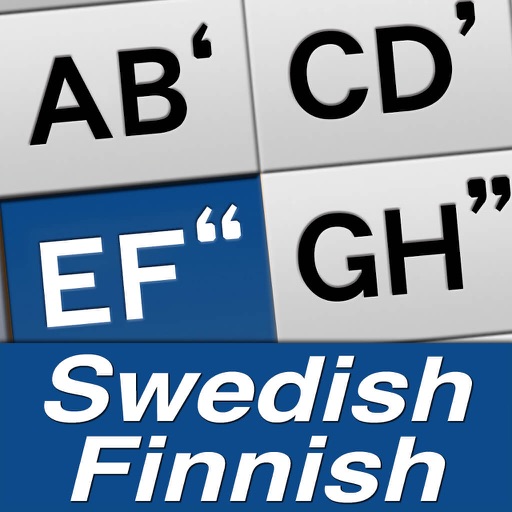
Type with one hand, two thumbs
Type messages quickly using one hand with a simplified layout. Input vowels with a single press and consonants with up to two presses. Two-thumb typing enhances speed. Features 13 multi-input keys with reduced key size to minimize typing errors.


Wojciech Kulik
Type , reuse templates, save time
Allows users to create and store reusable of text, code, and templates. Access instantly via the keyboard during typing or from selected text. Sync across iPhone, iPad, and Mac using iCloud.
Apps are ranked by functional similarity, category fit, rating confidence, and popularity.