Create art by selecting colors and adjusting brush settings. Draw on a -like surface where flows and shifts. Manipulate to blend colors or form shapes. Use the dynamic behavior for creative expression and artistic experimentation.
by Patryk Zielinski★ 3.76 ratingsEducationFreeData updated 2026-09-12
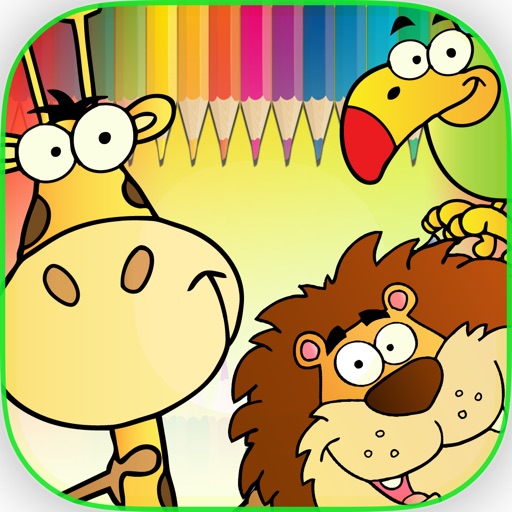
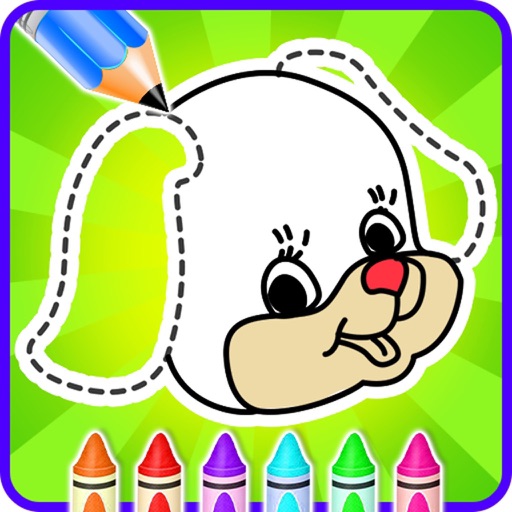
Children can select animal-themed pages to or draw. They can customize colors, add patterns, and save their artwork. Features include a variety of like dogs, birds, and elephants, and the ability to create and share their drawings.
Create and images using a variety of shapes and patterns. Choose from multiple options and tools. Save and share completed artwork. Import custom drawings for further editing.
Create and color animal doodles with customizable pencil sizes and a wide range of colors. Select from 40 free animal images for . Erase drawings and adjust graphics settings. Access HD images optimized for iPhone and iPad.
Transform photos into artworks with customizable brushes and artistic effects. Apply color filters and use dynamic generative brushes for creative expression. Adjust brush stroke styles, sizes, and effects to refine details.
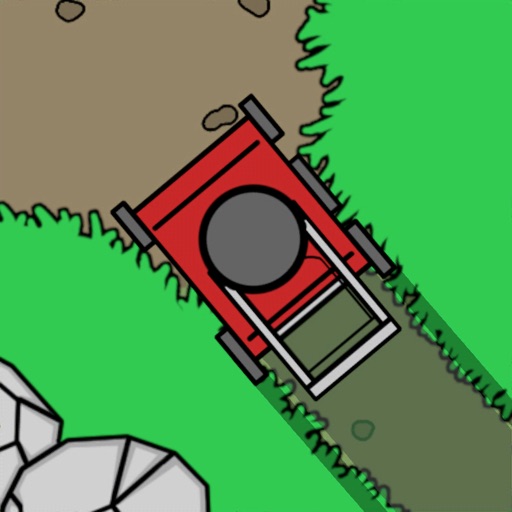
Cut grass to progress through endless levels. Avoid stones and water obstacles. Choose a lawn to suit your playstyle. Move freely in any direction to maximize grass collection.
Create personal stickers by capturing photos or selecting images from your library. Draw outlines to cut out desired areas and adjust sizes. Save and share stickers directly with friends.
The app allows users to create digital art using various brush styles and effects. Users can save their creations to a gallery or share them via email, Facebook, and Twitter.
Create animated doodles using magical brushes with sound and special effects. Choose from various themes to draw on. Export and share doodles. Watch drawings come to life as moving movies.
Create art using three colors on an 8x8 grid. Match numbered squares with color pixels. Rotate the canvas to change drawing colors. Undo mistakes. Share completed puzzles.
Create artwork by tracing virtual projections of photos on paper, easels, or surfaces. Adjust tools for precision. Save and export drawings. Access tutorials for beginners and advanced techniques. Sync projects across devices.