Create art by selecting colors and adjusting brush settings. Draw on a -like surface where flows and shifts. Manipulate to blend colors or form shapes. Use the dynamic behavior for creative expression and artistic experimentation.
by Patryk Zielinski★ 3.76 ratingsEducationFreeData updated 2026-09-12
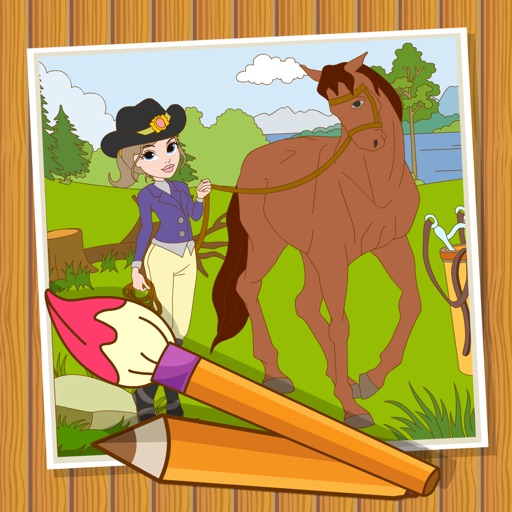
The app allows users to draw, paint, or sketch any picture. It offers custom settings for color pencils, pastels, and brushes, and users can save their artwork to their camera roll.
The app offers symmetrical drawing capabilities with a large color palette and various brush types. Users can save, edit, and share their creations with adjustable grid divisions and background styles.
Create and shape oscillator waveforms by drawing with 32 blocks. Generate retro sounds using mirrored halves. Interpolate between 16 oscillator pages. Apply effects like arpeggio, stereo delay, and resonant filter. Record sounds on a tape interface.
Play a casual mini game with real 3D physics. Navigate 36 holes across four environments. Avoid and negotiate interactive obstacles and hazards. Choose between windowed and full screen modes. Supports 4:3 and wide screen resolutions.
Draw with a brush that adjusts width based on finger movement speed. Create Japanese calligraphy or watercolor paintings. Select or capture background images. Save or export drawings to other apps.
Allows children to create art using finger slides and clicks. It includes stick figures, , and coloring features. Users can explore art materials, cartoons, and comics.
This app displays 57 common saltwater fish species from Florida's Atlantic and Gulf coasts. It includes high-resolution pictures, descriptions, Wikipedia links, and fishing regulations for each species.
Manage a population of evolving AI robots in a voxel environment. Control their behaviors, adjust world parameters, and observe or influence their adaptation and reproduction. Track robot traits, initiate mating, and modify environmental challenges.
The app animates the drawing of Taoist Talismans, explaining each stroke's meaning and spell. Users can learn to draw talismans on the screen using their fingers as an ink brush, experiencing Chinese calligraphy.