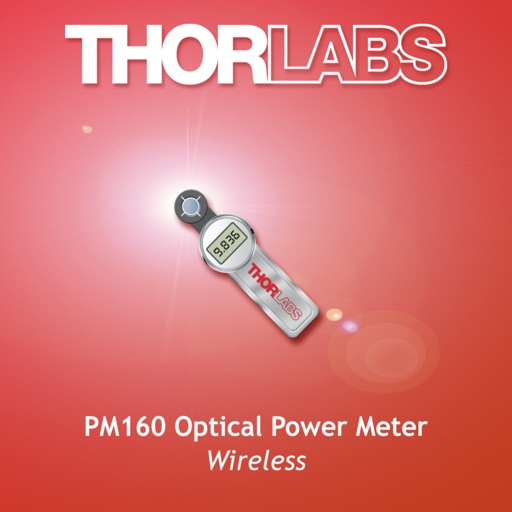
The app enables remote control of PM160 series optical power meters. Users can view optical power readings, minimum and maximum values, and adjust settings like wavelength correction and zeroing through a Bluetooth connection.
View, edit, and annotate PDF files on iOS devices. Add comments, highlight text, and adjust formatting. Convert handwritten notes to text using OCR. Access AI Assistant for advanced editing tasks. Share edited documents directly.
Create invoices with customizable templates and branding. Track expenses and income categorically. Generate tax documents and receipts. Set up recurring payments and automate bill reminders. Sync with software and view financial reports.
Scan documents to create PDFs, edit text, and convert scans to editable formats. Extract text from images. Read and generate QR codes. Organize and share scanned files directly.
Extract from mobile screens or images using advanced OCR technology. Share screenshots or select from images to capture precise . Translate extracted into multiple languages. Save or the extracted for use.
Allows users to log parcels by pointing the device at the label, automatically detecting tenant names and barcodes. It notifies tenants instantly. Users can scan QR codes for collection, take signatures as proof, and sync all data across devices.
Scan text, objects, and surroundings using the phone camera. The reads content aloud and describes visual elements. Navigate menus and settings through voice commands. Access real-time information about products and environments.
Capture and store contact information from cards in 25 languages. Save data to device contacts or storage. Recognize and organize contact details for easy access and management.
Edit PDFs by directly modifying text. Scan and convert documents to PDF. Organize files, add annotations, and sign documents. Share and export in multiple formats. Sync across iPhone, iPad, and Mac devices.