Create mobile apps using a block-based programming interface. Design user interfaces and add functionality with drag-and-drop components. Access tutorials and documentation to build projects. Share apps directly to stores.
by Thunkable★ 4.1324 ratingsEducationFreeData updated 2026-09-12
Manage and organize with local track imports and a vast online library. Trim audio files to create custom ringtones using built-in tools. Set playback timers for precise listening control. Sync with devices for seamless playback.
Discover tricks by searching or browsing categories. View tricks sorted by difficulty and instructor. Mark tricks for quick access. Tutorials open in YouTube for detailed guidance. Track progress and manage favorite tricks.
Design tools suggest upcycling projects based on user skill level. AI experts recommend paint and decor pairings. Step-by-step tutorials guide crafting techniques. Users can collaborate with multiple AI characters for creative inspiration.
Programming from basic to advanced levels including ES6 and ES.Next. Study front-end and back-end frameworks like Angular, React, Vue.js, and Express.js. Access tutorials offline without ads. Track progress and receive updates on new content.
The app provides graphical programming for users to learn coding, solve math problems, and create artwork and animations. Users drag and drop blocks to build programs without complex syntax.
Build and test electronic circuits in a 3D environment. Construct prototypes without physical components. Explore transistor functions and audio filtering. Access a component catalog for circuit design and experimentation.
Type and customize text with predictive suggestions and auto-correction. Switch between multiple layouts. Access emoji, GIFs, and stickers. Customize themes and layouts.
Take long screenshots by sliding across the screen. Crop and edit images to refine the shot. Supports WhatsApp, Instagram, websites, and other apps. Includes video tutorials for guidance.
Learn -making techniques through step-by-step video tutorials and detailed diagrams. Access material guides for affordable supplies. Create bracelets and necklaces at home with clear instructions for all skill levels.
Practice ear with customizable exercises for chords, intervals, and scales. Track progress across different disciplines. Use a configurable for visual feedback. Access tutorials and follow guided lessons for skill development.
Through tutorials, exercises, and real-world projects. Complete coding challenges and track progress. Access course materials and practice coding directly in the .
Learn computational thinking through puzzle-based programming. Create robotic solutions using block pieces. Program FlipRobot E310 series with Arduino. Explore electrical-mechanical designs and automation. Solve real-life problems through coding.
Manage contacts by creating, editing, or deleting groups and individual entries. Drag and drop to edit groups. Automatically organize contacts by company names. Search for contacts and send emails or SMS/MMS to entire groups.
Create crafts with video tutorials that guide users through each step. Choose from various projects to make handmade gifts and decorations. Learn techniques for beginners and advanced crafters alike. Save and share finished projects.
Through hands-on tutorials and projects. Build real-world applications and master ReactJS and front-end JavaScript. Access concise lectures, practice exercises, and an AI tutor for guidance.
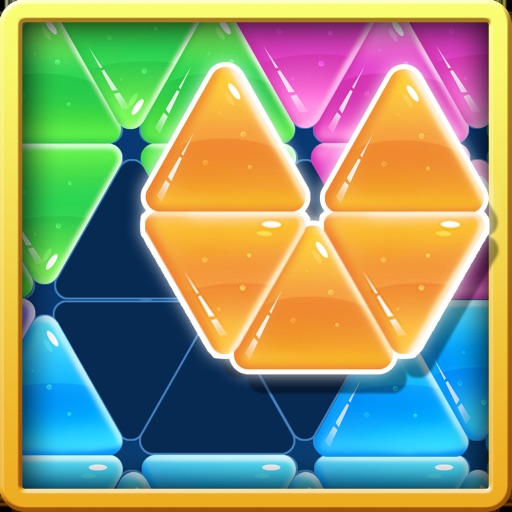
Move blocks to fill the board. Drag and position pieces to complete puzzles. No rotation allowed. Solve logic challenges to progress. Improve problem-solving skills through gameplay.
Control and program electronic modules by drawing lines on the screen. Access simple video guides for tutorials. Connect via Bluetooth or Wi-Fi for remote control. Compatible with IoT education projects.