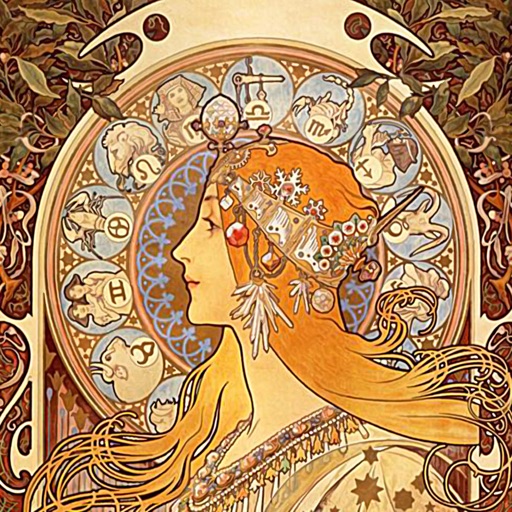
Apply AI-based filters to transform photos into -style art. Choose from various pre-designed templates. Edit and save modified images directly. No internet required for processing.
by Osawa Shunsuke★ 4.817 ratingsPhoto & VideoFreeData updated 2026-09-12
Remove unwanted backgrounds or objects from photos. Edit images to make backgrounds transparent. Add custom backgrounds for improved visuals. Erase specific areas for enhanced photo quality. Save and share edited images directly.
Add to photos with customizable fonts and styles. Choose from 250+ fonts and 200+ templates. Include layers for , images, shapes, and stickers. Access a variety of stickers, icons, and quotes. Apply single color or gradient color palettes.
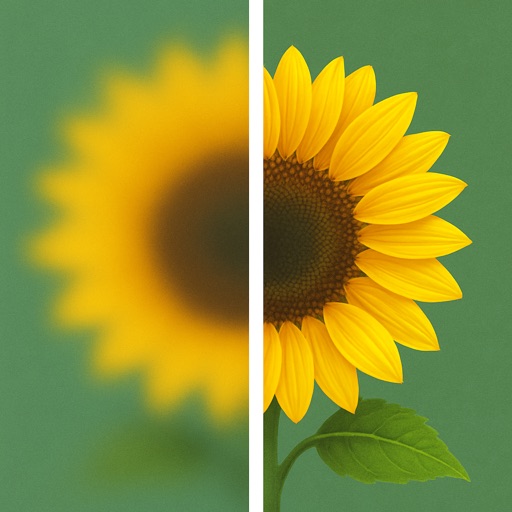
Uses AI to enhance blurry photos. Users can restore out-of-focus images with machine learning algorithms. One-tap processing allows quick restoration. Adjust brightness, contrast, and sharpness manually. Export enhanced photos in various formats.
Edit photos with AI-powered enhancements and transformations. Add or replace objects using text prompts. Use AI Brush to paint areas and describe changes for realistic edits. Convert photos into digital art with detailed text inputs.
Edit photos using AI-powered tools for -style art. Apply body enhancements, gender swaps, and themed filters. Adjust facial features and background elements. Export and share edited images.
Transform your iPad into an HDMI monitor using a video capture card. Play console games on the iPad screen. Use MagicSR for AI-powered super resolution. Apply color filters. Access real-time diagnostic information.
Still images from videos. Save photos instantly with simple controls. Record videos after filming. Share images directly to social media. Adjust photo size easily.
The app allows users to transform personal photos into comic art using various templates and filters. Users can customize lettering, speech balloons, and comic stamps to enhance their creations before sharing.
Edit photos and videos with AI-powered swapping. Replace faces in images or videos with realistic animations. Add text, filters, and effects. Export and share edited content directly.
Edit photos with AI filters, cartoon styles, and restoration tools. Enhance image details and convert blurry or damaged photos to HD. Apply over 200 AI templates to generate creative photos. Upload selfies to try different styles.
Generate hyper-real AI couple and wedding photos by uploading two images. Create family-style portraits or add playful stickers. Edit and export images in various formats.
Create YouTube thumbnails and Facebook cover images using customizable templates. Select from hundreds of pre-designed banners and art options. Edit designs with text, images, and layout tools.
Edit photos with filters, backgrounds, captions, and stickers. Add themed frames for holidays, birthdays, and milestones. Create collages and apply special effects. Share edited images directly.
Create images using text prompts with AI-generated art. Apply filters like photo, hyperrealism, gothic style, impressionism, and anime. Edit and export images in various formats. Share generated artwork directly.
The app sends images from an iOS device to a FUJIFILM "Wonder Print Station" kiosk using a Wi-Fi connection. Users select photos for printing from their smartphone anytime and anywhere.
Edit images with blur, watermarking, and mosaic tools. Apply batch processing and circular brush effects. Adjust videos with blur, watermarking, and mosaic. Add music, stitch videos, and apply covers.
Apply -themed to images from the gallery or camera. Adjust frame size and position by rotating, scaling, zooming, or dragging. Choose from fifteen in various shapes and colors. Save edited photos to the device.