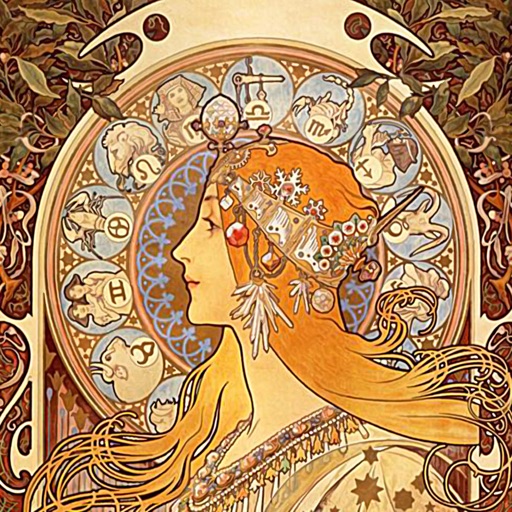
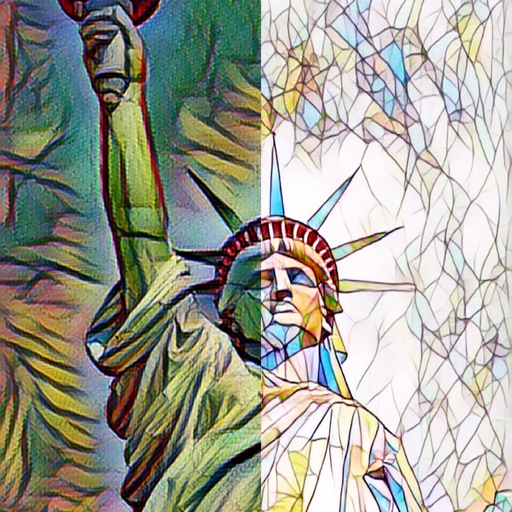
Apply AI-based filters to transform photos into -style art. Choose from various pre-designed templates. Edit and save modified images directly. No internet required for processing.
by Osawa Shunsuke★ 4.817 ratingsPhoto & VideoFreeData updated 2026-09-12
Create art using biological simulations and reaction-diffusion patterns. Apply 40+ presets to generate natural-looking designs. Manipulate parameters to adjust patterns dynamically. Export artwork in various formats.
Backgrounds from photos for professional product images. Apply pre-designed templates for shopping. Add stickers and create collages for social media platforms. Export edited images directly.
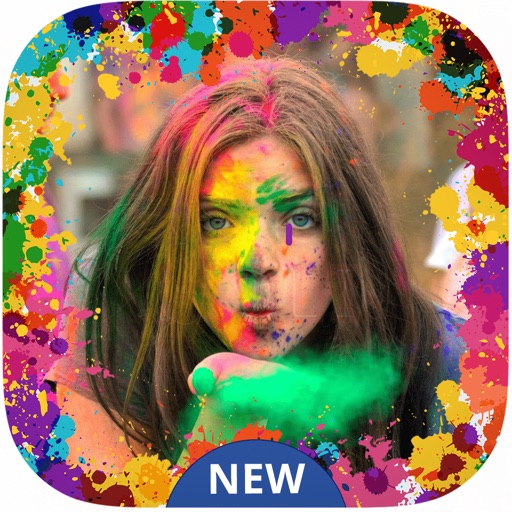
Create festive photos with 2D and 3D -themed . Add color particles and animated effects to images. Share edited photos directly to social media. Apply pre-designed collage templates. Adjust frame size and position for custom layouts.
Create collages and stories using pre-designed templates. Add text, stickers, and filters to photos. Share finished stories on Instagram, WhatsApp, and Facebook. Allow others to view and share content when unfolded.
Edit photos and videos with advanced tools including exposure, ISO, and white balance adjustments. Adjust focus, color grading, and apply filters. Export in various formats and share directly.
Photo montages, collages, and custom . Edit images by erasing, changing, or adding backgrounds. Cut people from photos and place them on new images. Add personal photos and decorate with fun .
Edit photos with AI-powered themes. Add bunny ears, eggs, and spring elements to dog pictures. Choose from multiple festive designs. Save and share transformed images directly.
Add captions to photos or images using beautiful fonts and stickers. Choose from various backgrounds and styles. Insert quotes or create love messages with creative typography. Share -over- creations directly.
The app transforms photos into halftone and rasterized artwork using dots, lines, and shapes. It offers creative modes like Grid, Interlaced, Radial, and Photo, with options for bicolor, multicolor, or full color.
Convert negatives to digital photos with high resolution. Edit images with advanced tools including filters, cropping, and adjustments. Save and share edited photos in multiple formats.
Apply a warrior hairstyle filter to photos instantly without an internet connection. Save modified photos to your device. Share results via email, Twitter, or Facebook.
Edit photos to create anime, caricature, or styles using AI technology. Apply filters like toon, face child, and reface. Edit portraits with artisan tools and add custom backgrounds. Generate 3D avatars from images.
The app automatically corrects photos and offers numerous filters and styles. Users can save high-resolution images for printing and share them across various social networks and platforms.
Capture photos with a cinematic mood using a 35mm lens and 16:9 or 2.39:1 aspect ratios. Apply film- filters, add text overlays, and adjust color grading for a -inspired look. Export and share edited photos directly.
Edit photos with light filters, including circle, frame, star, heart, glasses, and lines. Add text with customizable vector graphics. Apply coloring and create templates for creative artwork. Export edited images directly.
Transform selfies into stylized portraits with customizable styles. Apply filters and effects to alter appearance. Save and share generated images directly. Adjust settings for detailed customization.