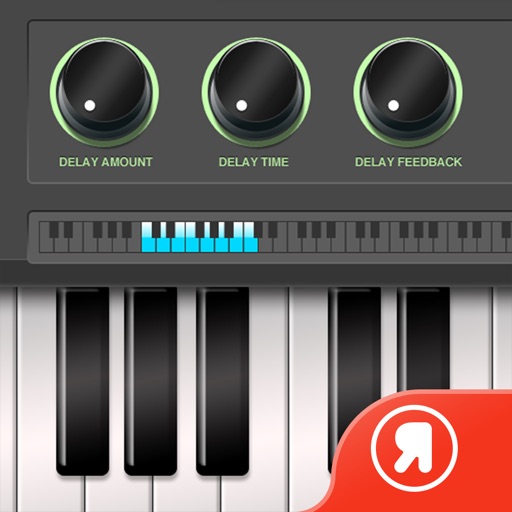
Create and manipulate effects using a step sequencer interface. Adjust tape simulation settings including compression, saturation, hiss, head bias, and wow/flutter. Export audio files and apply effects during recording or playback.
Create drum sounds using a unique synth without samples. Adjust parameters for tone and rhythm. Save and load presets. Export audio files and share directly.
Emulates a classic tape deck with three tape types. Adjust noise levels and control tape, head, and motor quality. Modify input gain, output gain, and dry/wet mix for sound customization.
Allows users to evaluate performance through frequency sweep analysis and high amplitude sound wave testing. Identify distortion and response issues. nd play custom audio for detailed acoustic assessment.
The app generates bass tones from 10–150 Hz to test and tune car or home audio systems. It uses pure frequencies for precise adjustments, finding rattles, and setting amplifier gain.
Access a collection of over 500 tracks across multiple genres. Search and filter to find favorite backing tracks. Use high-quality kits for practice or performance. Play tracks offline and sync with audio equipment for amplified sound.
Add warmth and noise to audio with . Apply saturation, wow, and flutter effects. Adjust parameters for lofi or distorted sounds. Use as a master effect or channel insert. Export modified audio files.
Capture photos and videos with film effects including retro filters, grain, light leaks, and analog imions. Apply 8mm and VHS video styles. Shoot directly from the without editing or registration.
Turn your iPhone or iPad into a multi-effect processor for electric guitar and bass. Connect via iOS-compatible audio interface. Adjust effects in a traditional chain or use amp-less setups. Record and playback audio.
The app provides visual representations of sound through waveform and spectral content analysis. Users can explore sound characteristics, synthesize instruments, and modify signals with various audio effects.