Apps Like Drawing pad : with easy tutorials for iPhone and iPad
Draw letters, practice, share
Kids learn through step-by-step that guide them to trace alphabets. Includes a side-by-side for practice. Features 26 lessons focused on creating drawings from letters. Allows sharing of completed drawings friends.
by PLUS INFOSYS★ 0.00 ratingsEducationFreeData updated 2026-09-12
Help children practice numbers and drawing shapes through exercises. Include features for family names and creating drawings. Boosts creativity and confidence with interactive activities.
Create drawings by connecting points on the screen to form shapes. Adjust line thickness and color. Save and share completed drawings. Export in various file formats.
Edit images by on photos and adding text. Choose from 45 colors and five pen thicknesses. Use zoom editing and undo functionality. Share edited images via email, Twitter, and Facebook.
Practice writing letters, numbers, and sight words. Select categories for alphabets, math operations, and days/months. Use fingers or stylus to . Track progress with guided exercises and feedback.
Allows children to draw using color selection, shape tools, and an eraser. It plays with each stroke and includes a random color option. Users can change line thickness and save drawings.
Teaches language with interactive lessons and cultural content. Features include reading and writing exercises, colorful visuals, and guided learning activities for toddlers. Includes games to reinforce vocabulary and grammar.
Learn drawing basics with step-by-step lessons. Draw faces, superheroes, and manga characters. Use the device's camera to compare drawings with lesson examples. Access previous photos for comparison on iPod touch.
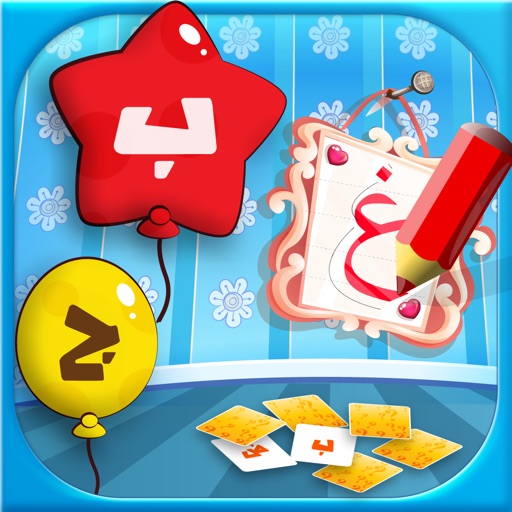
Learn letters and words with interactive games and exercises. Practice writing and recognizing letters with tashkeel support. Choose language settings for or English instructions. Includes memory cards, balloon games, and drawing activities for kids.
Create and animate drawings of characters like butterflies, frogs, and hedgehogs. Use drawing tools to sketch step by step. Watch creations animate and share drawings with others.
Draw and color images with interactive tools. Choose from various templates and colors. Save completed drawings. Receive positive feedback and encouragement. Learn shapes and colors through playful activities.
Turn real-world images into sketches using . Capture photos and apply freehand artwork with intuitive tools. Edit and refine sketches directly on the canvas. Share finished drawings via social media or email.