Edit photos with filters, effects, and backgrounds. Add stickers and choose from various fonts. Crop, resize, and rotate images. Create square photos and adjust ratios. Share edited photos directly.
Snap photos in a built-in photobooth with retro-style polaroid filters. Apply sunglasses and bandanna effects. Post photos and short videos to a public feed. Scroll through user-generated content. Like and comment on posts.
Edit photos with effects, filters, and customizable stickers. Blend images and add 3D or overlays. Crop photos and draw on them. Apply frames and borders. Use a custom camera to capture and enhance images.
Create collages by combining pictures, videos, or a mix of both. Choose between sequential or delayed video playback. Use built-in layouts or design custom ones. Select from 1:1, 9:16, 3:4 ratios or set custom proportions.
Allows users to capture photos with a minimal yet powerful interface. It includes manual controls for exposure, focus, and white balance. Users can edit images with advanced tools like color grading, adjustment layers, and masking.
The app provides slow shutter control and a full set of effects and filters. It includes capture modes, adjustable shutter speed, a self-timer, and freeze and contrast controls.
Edit photos with single-tap filters, brightness, opacity, contrast, blur, and focus adjustments. Rotate, crop, and resize images. Share to Facebook, Twitter, or Instagram. Save to photo library or send directly.
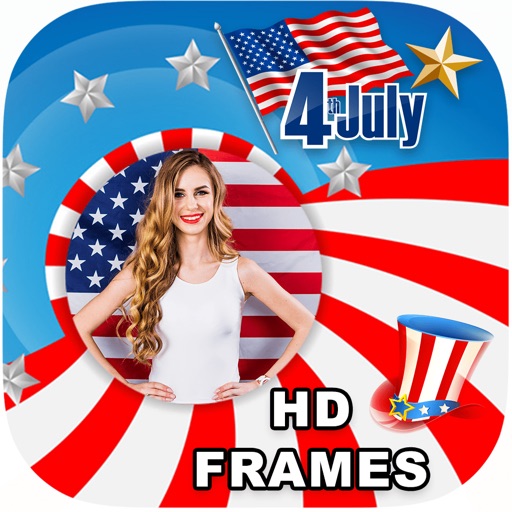
Edit photos with filters, select and apply Independence Day , add text with customizable font style and size. Share edited photos via social links. Set color options and arrange images in sets.
Take black and white photos with live preview. Use colored lens filters and professional conversion settings. Adjust contrast, brightness, and exposure in real time. Add film grain and black vignetting. Export images to social media and email.