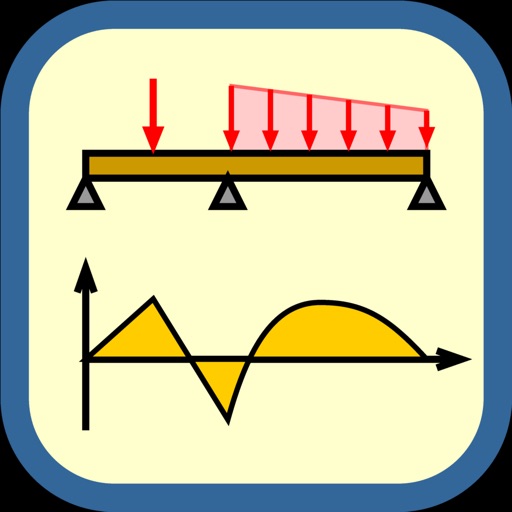
Calculates and stress for beams, trusses, and frames. Users input loads and select design standards. The generates load combinations based on chosen methods and categories. Results are displayed for structural analysis.
by Ketchep.com, LLC★ 4.716 ratingsProductivity$19.99Data updated 2026-09-12
Access structural engineering tools including beam and truss calculators, frame analysis, and section databases. Generate wind and snow loads. View and manage models with 3D rendering. Convert units and design base plates and retaining walls.
Access structural engineering calculators for load calculations, beam design, and material properties. Input dimensions and parameters to get instant results. Save and organize calculations for future reference.
Manage files by creating, renaming, moving, and deleting them. Sort files by name, date, or size. Use split screen, picture-in-picture, and drag-and-drop on iPad. Transfer files via WiFi between mobile and computer devices.
Teach young children about life through interactive . Build doghouses, sort food, hatch eggs, and care for animals. Include activities like feeding horses, shearing sheep, and creating sticker farms. Encourage learning through play and exploration.
Calculate volume for slabs, footings, columns, walls, and stairs in cubic yards, feet, or meters. Estimate needed, determine weight and bag requirements. Calculate rebar spacing and truckloads.
Organize local and cloud files in one . View and save files from cloud drives to device. Move files between cloud drives. Open documents, presentations, voice memos, and images. Fetch online content and manage files across devices.
Create structural designs by sketching beams and loads. View shear, moment, deflection, and reaction diagrams in real time. Modify designs and analyze multiple beams quickly. Export and share structural analysis results.
Provides tools for calculating area, moment of inertia, distance from axis, radius of gyration, and section modulus for rectangular and square beams. Supports metric and imperial units.
Explore properties using 3D visualization and detailed data cards. View terrain topography with contour lines. Identify and map properties with ease. Check fiber optic availability and groundwater details. Access property data with one tap.
Deletes duplicate files, including photos, contacts, and screenshots. Compresses videos and photos to save space. Organizes files and clears cache to improve device performance. Allows manual selection of files for deletion.
Displays battery level and state, shows disk usage, tracks real-time CPU usage and average load. Monitors network connections and operating information.