Create custom grids over reference images or drawing surfaces. Set grid dimensions and adjust spacing. Transfer intricate details square by square. Export drawings in multiple formats. Share directly from the .
And manage a with dwellings, industrial structures, and retail facilities. Transport citizens via mass transit systems. Recycle waste, plant trees, and add hospitals. Upgrade buildings and create parks, cinemas, and stadiums.
Manage cash flow and make decisions to build and upgrade a tower. Choose materials and allocate funds for construction. Design each floor uniquely. Compete to create the tower in the city.
Play by dragging block shapes onto the board. flows and settles under gravity, requiring strategic placement. Adjust formations to clear levels. Tap to reset blocks and retry. Track progress through level completion.
Lets users select puzzles from categories like cars, buildings, and landscapes. Tap numbered cells to apply colors based on hints. Complete artwork by filling all cells. Save and share finished paintings.
Play by tapping to select blocks and moving them to fill blanks. Complete levels with one finger control. Features unlimited unique levels and simple gameplay mechanics.
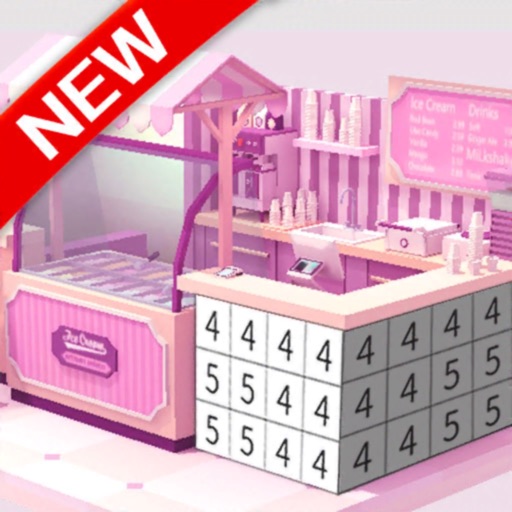
Create 3D pixel art by coloring blocks according to numbered guides. Rotate and move 3D models to view all sides. Save and share completed artworks on social media platforms.
Play four mini-games: Panda Gold (drop and bounce objects), Line puzzle (solve brain challenges), Polygon puzzle (assemble pieces to clear the board), and Arrow Jam (aim and shoot targets). Track progress and replay games within the .
Build 3D models of over 60 household objects by assembling pieces. Complete levels to earn keys and choose starting levels. Select Bronze, Silver, or Gold difficulty to challenge yourself.
Solve 3D poly puzzles with no time limits or restrictions. Choose from dozens of puzzles to assemble. Use both sides of your brain to merge colorful pieces. Access helpful tips to guide assembly.
View 3D models exported from software. Navigate through designs using virtual reality tools. Explore exterior, room, cross section, and floor plan views. Walk or fly through models to visualize home projects before construction.