Distances and heights using the camera. Calculate surface area and perimeter. Generate 3D models from photos. Use a bubble level and slopes. Perform various geometric calculations with precise camera-based measurements.
Upload comic images to analyze characters and scenes. Generate story continuations using AI. Engage in real-time conversations with AI characters. Edit and refine generated content. Export story outputs for sharing or further use.
Turn your iPhone into a , angle gauge, and measuring . Check if surfaces are or plumb. Get real-time tilt readings in degrees. Calibrate to align with objects. distances using the device's sensors.
Take photos or upload images to estimate object weights in grams. Switch to pounds or kilograms with a single tap. Use AI to calculate weight accurately for food, small items, or curiosities.
Measure using camera overlay and CoreMotion for accurate degree and rise/run calculations. Organize measurements by job or client. Capture and annotate photos. Generate client-ready PDF reports.
Use maps and satellite imagery to locate and measure roofs for solar installations. Enter addresses or zip codes to find target roofs. Define roof boundaries and input pitch angles. Instantly calculate suitability for PV or thermal systems.
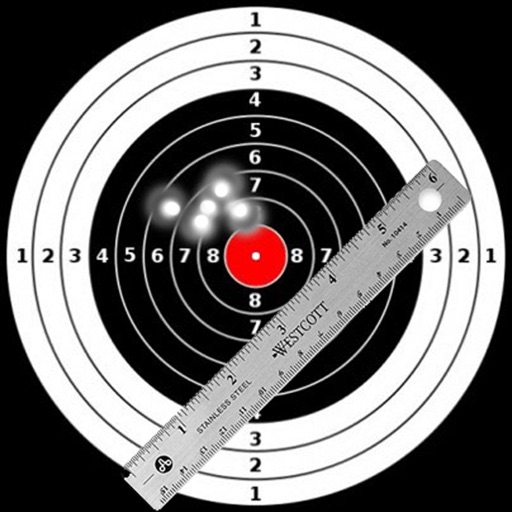
The app analyzes target pictures to calculate group size and point of impact. It records equipment setup and shooting conditions, managing shooting results for sharing.
The app offers tools to enhance photos with filters, adjust brightness, contrast, saturation, and warmth. It also provides options to crop, flip, rotate, and straighten images.
Objects, lengths, angles, areas, and heights using augmented reality. Switch between metric and imperial units. Take screenshots, use flashlight, and draw clear measurement lines. Perform single or chained measurements and estimate person height.
For photographers without a built-in . Take readings from camera preview. Adjust measurement area by zooming. Switch between multiple rear cameras. Tap points of interest for precise exposure settings.
Edit photos with automatic brightness, contrast, and saturation adjustments. Apply like blurred, sketch, sepia, and vintage. Share edited images directly to social media.
The app allows users to rename files using single or multi-step actions. It can rename over 2,000 files per second and uses macOS metadata for new names.