Access alarm descriptions, troubleshooting guides, and links to user manuals for Danfoss VFDs. View detailed information for VLT2800, VLT5000, FC51, FC101, FC102, FC103, and FC20 drives. Retrieve data quickly during commissioning and service tasks.
by Evgeny Makarenkov★ 4.532 ratingsProductivityFreeData updated 2026-09-12
Access prayer times, masjid locations, and live Islamic . Make donations and stay updated on community activities. View content in English, Spanish, French, Indonesian, Italian, and Arabic.
Track hours by logging name, date, duration, time of day, weather, and notes. Calculate remaining hours and export logs for submission to DMV or school.
Enter system details to receive valve-specific adjustment recommendations. Adjust thermostatic expansion valves quickly based on provided guidance. Streamline HVAC maintenance and optimization processes.
Install and monitor HVAC systems using Bluetooth technology. Set up systems quickly with Bluetooth pairing. View operating parameters in real-time. Troubleshoot issues remotely. Adjust settings directly from the .
Engage in conversations with AI characters inspired by book restoration and ancient lore. Identify lost spells, decode runes, and make choices that affect the narrative. Build emotional connections through dialogue-driven interactions.
Search for words, expressions, or names to find relevant YouTube videos. Play videos to hear how others pronounce the term. Listen to audio clips to practice correct pronunciation and improve speaking skills.
Guides installers through step-by-step installation of products using image-based instructions. Provides access to all available configurations and installation guides offline. Eliminates the need for paper manuals during setup.
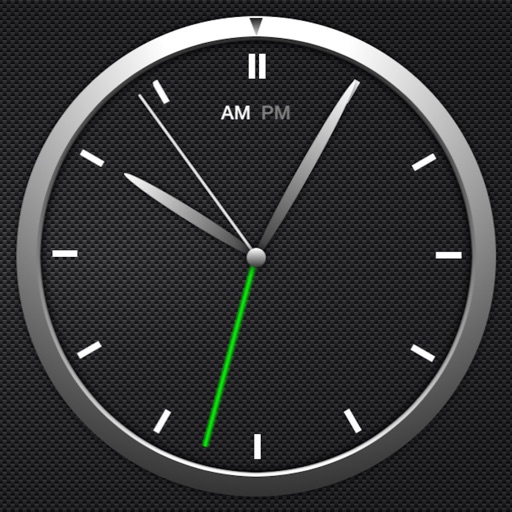
The app offers a simple and intuitive interface for setting alarms by moving the alarm hand. Users can choose from 8 built-in alarm sounds or play music from their library, with alarms functioning even when the app is in the background.
Monitor and control pumps with real-time condition checks and troubleshooting tools. Access operation data, view alarms and warnings, and retrieve documentation and reports. Locate product information, sizing details, and replacement guides.
Create and save WOOPs by following the four steps: Wish, Outcome, Obstacle, Plan. Set preferences and track habit changes. View progress and review saved WOOPs. Supports multiple languages including English, Spanish, and Chinese.
Program panels automatically and customize settings remotely
Manage and configure panel settings with automatic and custom programming options. Access real-time documentation, troubleshooting guides, zone statuses, and Wi-Fi signal strength. Perform quick installations and monitor cellular connectivity.