Create and manipulate effects using a step sequencer interface. Adjust tape simulation settings including compression, saturation, hiss, head bias, and wow/flutter. Export audio files and apply effects during recording or playback.
Turn your iPhone into a percussion instrument by shaking it. Choose from four sounds: Egg, , Tambourine, and Bells. Swipe to switch instruments. The uses a gyroscope to map movement and adjust audio based on shaking intensity.
The app is a multitouch sound board sample player. Users can tap items to trigger sounds and drag them to change parameters, with side buttons altering playback triggers.
Create and manipulate granular audio with real-time sound file granulation. Generate effects like time/pitch shifting and intricate textures. Record, scrub, and shape envelopes. Manipulate buffers and explore complex scrub pads.
Play virtual with 1300 looped samples and 4 velocity layers. Include key-on and key-off sounds for realism. Use Audiounit support, iOS Universal compatibility, and Audiobus integration for audio routing.
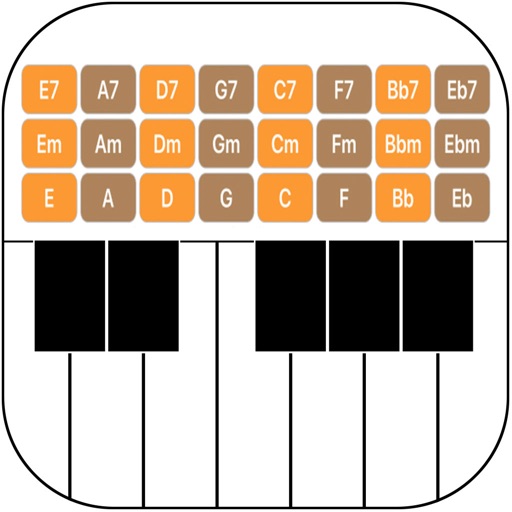
Play piano using a full 88-key keyboard with touch-to-slide and pinch-to-stretch controls. Access realistic grand piano sound samples. Record and playback performances. Adjust volume and mute keys individually.
Create lo-fi and retro music with VHS . Use synths recorded and resampled from VCRs. Access over 280 presets from various artists. Adjust settings to customize sound. Export and share music directly.