Apps Like Disney Stickers: Tangled for iPhone and iPad
Add stickers to messages and chats
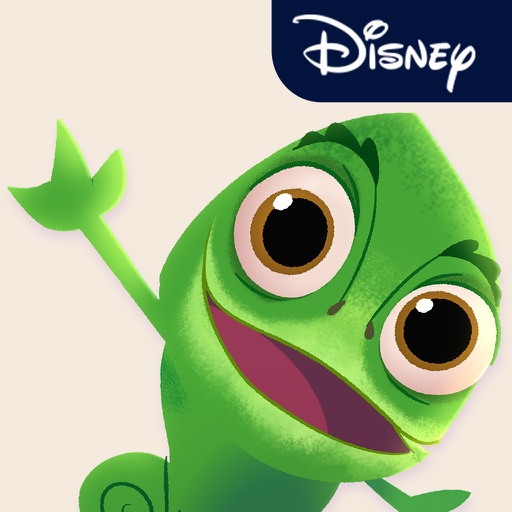
Add stickers featuring characters from : The Series to iMessage. Choose from barefooted Rapunzel, smoldering Eugene, and Pascal. Include special accessories like Rapunzel's Frying Pan. Access stickers via iMessage apps by tapping the Store icon.
by Disney Electronic Content, Inc.★ 4.216 ratingsStickers$1.99Data updated 2026-09-12
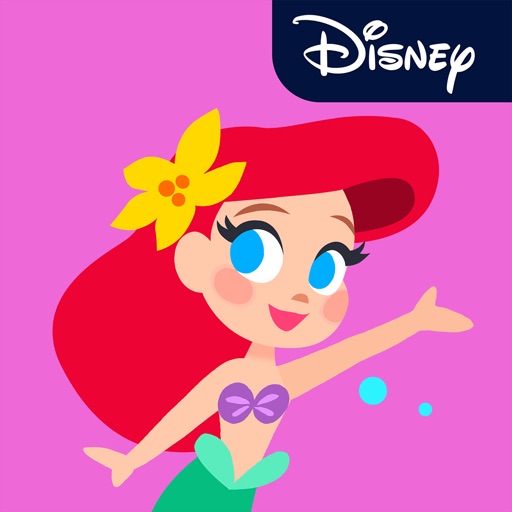
Add stickers to iMessages with characters like Ariel, Rapunzel, and Mulan. Scale, rotate, and layer stickers in chats. Place stickers on photos sent or received. Access additional packs through the iMessage Store.
Use animated stickers featuring like Maleficent and Cruella to enhance messages. Share stickers via iMessage by accessing the Store icon. Browse and add new stickers through the drawer.
Add animated to iMessages featuring . Scale, rotate, and layer stickers. Place them on photos. Access additional sticker packs through the iMessage Store.
Add fright and festivity to messages with animated stickers of Jack Skellington, Sally, Sandy Claws, and Oogie Boogie. Include accessories like the walking bathtub and scary present.
Use animated stickers with from and Pixar movies. Add stickers to messages, scale and rotate them. Layer stickers on photos. Share stickers in chats and social media.
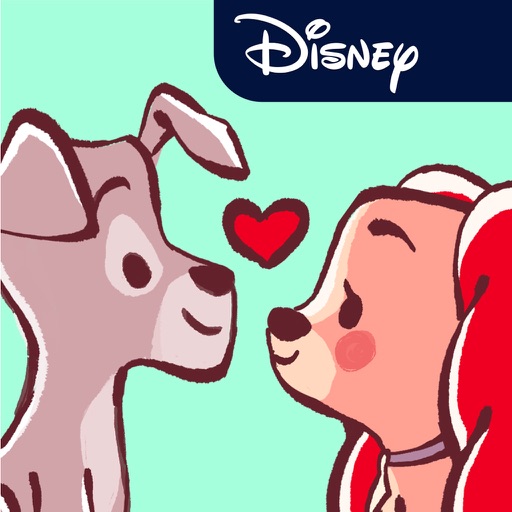
Add stickers to iMessages with characters like Lucky, Marie, Bolt, and Lady. Scale, rotate, and layer stickers. Place them on photos. Access additional packs through the iMessage Store.
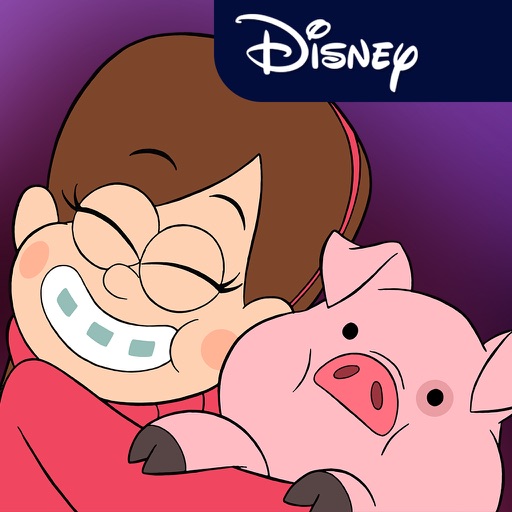
Send messages with animated stickers featuring characters from including Mabel, Dipper, Soos, Grunkle Stan, and Waddles. Include 24 stickers in the pack. Add stickers to iMessage conversations. Select from themed animations and character designs.
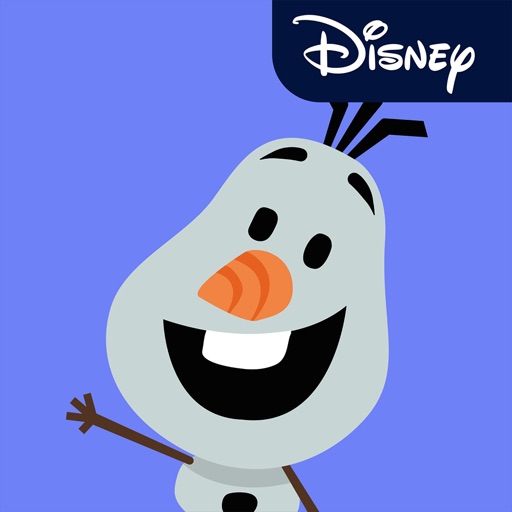
Add -themed stickers to iMessages featuring characters like Elsa, Anna, Olaf, and Snowgies. Tap the Store icon in iMessage to install. Use stickers in conversations by tapping the sticker icon and selecting from the pack.
Send dynamic and animated in iMessages. Customize photos by adding in chat. Place anywhere on messages. Layer over each other or on photos. Scale and rotate as needed.
Add stickers of characters to iMessages. Choose from Judy Hopps, Nick Wilde, and other favorites. Tap to send stickers directly in conversations. Browse and install via the Store within iMessage.
Access iMessage apps by tapping the Store icon next to the compose field. Use stickers featuring characters and phrases from films like Lilo & Stitch and The Little Mermaid. Add stickers to messages directly within iMessage.