Edit with one-click cutout and batch processing. Remove unwanted elements and replace backgrounds. Create collages and ID . Use templates and stickers for design. Perform multi-layer synthesis and green screen effects.
Edit features like waist, legs, hips, and abs. Apply makeup and adjust skin tone. Change hair color and style in real time using the live camera feature. Save and share edited images.
Capture reference images or models and use them as overlays in the camera view for comparison. Adjust positioning to align drawings with references. drawings on references for accuracy checks.
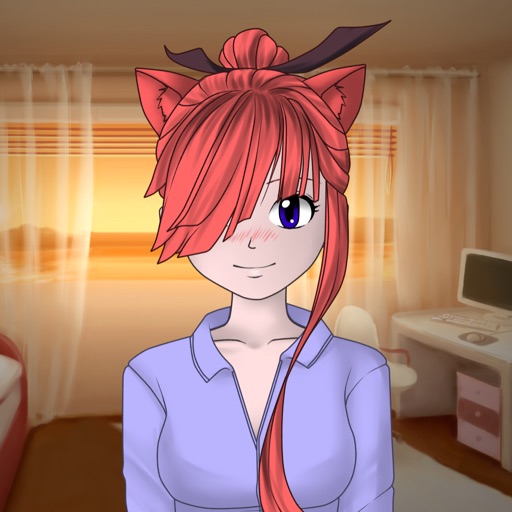
Create custom characters by combining fragments for eyes, lips, hair, clothes, and other attributes. Choose from various character types like ninja, fantasy, or school. Share generated images or set them as wallpapers.
Create art, share animations, connect with artists
Create and share art animations with an integrated online gallery and . Browse and interact with over 700,000 designs. Categorize and tag artwork with hashtags. Moderate and recommend animations using AI.
The app adds real-time watermarks to photos and videos, including current time and address. Users can customize timestamp formats, fonts, positions, and add custom text or logos.
Create realistic artwork with pencil, brush, pen, and marker tools. Import images as layers and edit with eraser, ruler, compass, and other tools. Add stickers and use layer management for detailed painting and design.
Guess shadows or silhouettes of characters, people, cartoons, places, objects, food, TV, and film. Identify images by tapping answers. Progress through hundreds of levels with surprises along the way. Track progress and compete with others.
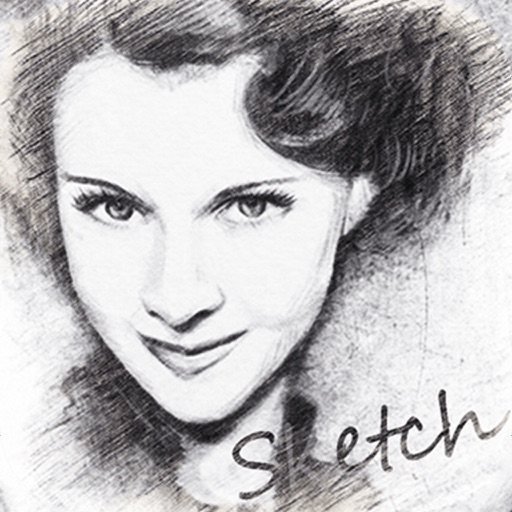
Convert photos into sketches or cartoon avatars using 50+ effects like , Memory Style, and Old Movie Style. Apply 50+ cartoon effects to create humorous or artistic images. Save and share the edited photos directly.
Drag shapes from the bottom pool to the playing field to form connected blocks of the same color or complete lines for points. Unlock new colors to increase scores. Prevent blocks from filling the playfield.
Create and edit digital art with brush tools, layers, and blending modes. Import and manipulate images. Save and export in various formats. Sync files via iCloud Drive. Support Apple Pencil for precise drawing. Render graphics using GPU acceleration.
Create flipbook animations with frame-by-frame drawing. Use pressure-sensitive pen and eraser tools for artistic effects. Edit with undo/redo features. Add predefined animations and effects. Export and share finished projects.
Save videos from web pages and extract audio. Use picture-in-picture mode to watch videos in a smaller window while using other apps. Switch display modes for different viewing experiences.