The app transforms photos into halftone and rasterized artwork using dots, lines, and shapes. It offers creative modes like Grid, Interlaced, Radial, and Photo, with options for bicolor, multicolor, or full color.
Select and edit photos from the album or camera. Use the lasso tool to draw a closed path for blurring. Adjust difficult areas with the Touch feature. Apply over 30 effects and fine-tune the selection.
Edit photos with single-tap effects and professional filters. Adjust brightness and contrast. Apply blur and focus tools. Enhance portraits with specialized filters. Export edited images in various formats.
The app offers professional editing tools, beauty enhancements, and special effects. Users can apply stickers, create classic collages, and design fashionable posters with InstaMag.
Edit photos with background removal, object elimination, and AI-style transfer. Add text, stickers, and custom fonts. Generate AI art, create flyers, and apply effects. Export in various formats and share directly.
Create artistic images with single-tap camera effects and professionally designed filters. Adjust brightness, contrast, and tone curve. Blur and focus images. Rotate, crop, and resize photos. Add text and fun stickers.
Turn photos into drawings, cartoons, or sketches with one click. Apply 19 effects with full control. Save creations and share via Facebook, Twitter, Flickr, Tumblr, and Email.
Apply real-time cartoon and art effects to live camera feed. Record videos and take photos with cartoon filters. Convert existing videos into animated cartoons. Share edited content directly.
Upload from your device. Select print sizes and quantities. Choose pickup locations at Walgreens, CVS, or Duane Reade. View order status and track delivery to the selected store. Print instantly and collect them within one hour.
Create poster or template collages with up to 20 photos or videos. Add text to images or videos. Edit photos with filters, cropping, and adjustments. Enhance visuals with artistic text overlays. Export collages in multiple formats.
The app allows users to create custom designs with quotes, artwork, and filters. Users can overlay text on photos using curated fonts or their own, and add designs with shapes, symbols, or emojis.
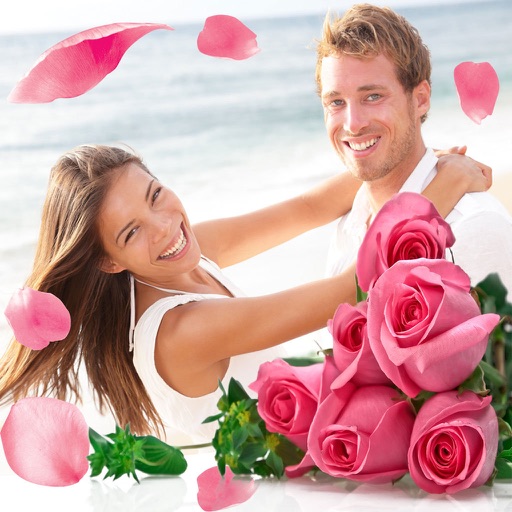
Apply flower to photos from your album. Choose from various like roses, daisies, and sunflowers. Add color filters and adjust appearance. Share edited photos with family and friends.
The app allows users to create animated glow art in 3D using various brushes and a full spectrum of colors. Users can pan, zoom, and spin their creations, record videos, and utilize symmetries up to 64.
Create videos by selecting from camera or gallery. Adjust frame duration and apply effects, filters, themes, doodles, and stickers. Add music and create slideshow animations gif memes and stickers.
Edit photos with custom cropping, flipping, and rotating tools. Adjust incline and stretch for precise edits. Apply cinema-grade color grading and one-touch Magic Sky edits. Use poster templates for creative layouts.
Create custom designs with photos using templates, fonts, filters, frames, and hand-crafted stickers. Organize and save moments. Share edited photos directly.
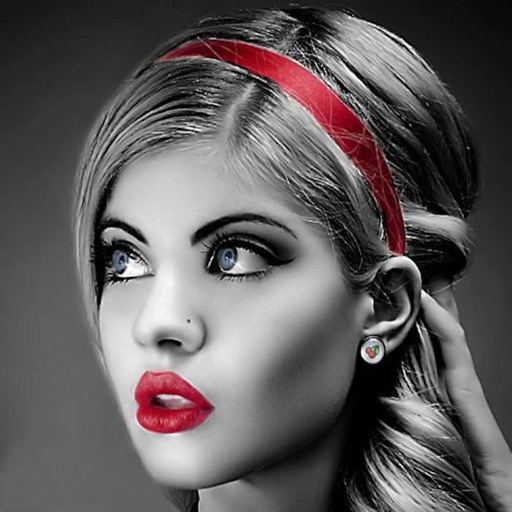
Edit photos with selective effects using gesture controls. Zoom and pan to adjust splash areas. Convert parts of the image to grayscale while keeping selected regions in full . Export edited photos directly.