Play a simulator by sliding fingers over tines to produce multiple notes simultaneously. Adjust pitch and volume. Visualize tine vibrations in time. Save and share custom compositions. Sync with music apps for playback.
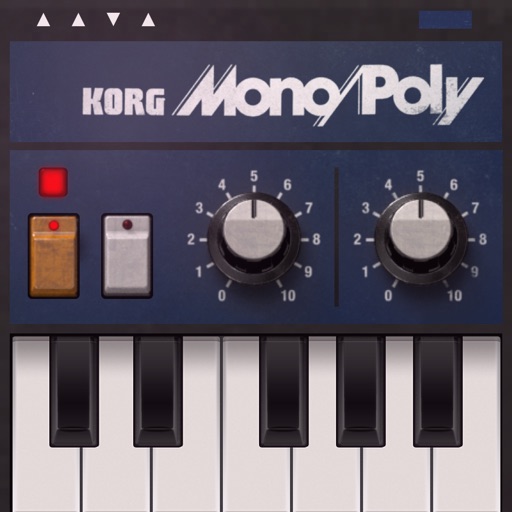
Create and manipulate complex sounds using a vintage synthesizer interface. Adjust filters, envelopes, and oscillators. Control via MIDI, MPE, and Ableton Link. Export audio files and integrate with AUv3 plugins.
Create and customize sounds using color-based waveform editing, filtering, detuning, and vibrato. Adjust pan, volume, space, and noise levels. Program multiple tone colors with intuitive graph controls.
Play virtual organs with authentic sound samples. Select preset tones and effects. Adjust volume and pitch. Save and share recordings. Explore classic rock tracks and soundscapes.
Apply audio filters to modify sound characteristics. Adjust parameters for tone shaping and resonance. Load and save presets. Access a demo version with limited playtime. Purchase full version for unlimited use.
Practice interval recognition, pitch identification, and transcription skills using a virtual piano. Play melodies, replay them, and replicate the notes. Track progress with scores and improve improvisation and self-esteem through regular use.
Create rhythmic patterns using 28 percussive sounds from everyday objects. Adjust volume, pan, and effects for each sound. Record and playback loops. Share performances via file export or social media.
Solve equations by moving matches to correct the equation. Complete 600 levels designed to improve skills and logical thinking. Features include varying difficulty levels and brain-stimulating puzzles.
Simulate musical instruments including Qanon, Oud, and strings with real sound. Play quarter flat scales and rhythms. Access chords specific to music. Switch between two common music scales. Adjust tuning and settings for different playing styles.
The app allows users to improvise on a piano keyboard by tilting their iPhone. Users can play diatonic chords and change scales by flicking the staff notation.