Turn your iPhone into a network for file sharing and backup. Access files via using a browser. Share files via HTTP or SMB protocols. Transfer data between devices over any connection. Backup and copy files to and from iPhone and other devices.
Allows users to create private protected by gesture passwords. Users can take photos and record videos without unlocking the album. The includes a video player supporting multiple formats.
Store and organize photos and videos with secure access options. Set PIN, alphanumeric, or gesture-based passwords. Create multiple user accounts for content segmentation. Enable SnoopStopper™ to prevent unauthorized access.
Control your Mac or Windows PC with an iPhone, iPad, or Apple Watch. Use as a trackpad, keyboard, or remote control. Perform actions with touch or motion gestures. Access a companion on Apple Watch for additional controls.
Manage personal data across devices with user access control, hardware configuration, network setup, and file service management. Adjust buzzer, fan, and hard drive settings. Configure internal/external networks and web servers.
Store and organize media with password protection and encryption. Create secure storage areas for images and videos. Use SnoopStopper™ and decoy safes to deter unauthorized access.
Manage files on local and remote servers with browsing, searching, and organization. Edit text, view photos and videos, and record audio. Compress or decompress files, move, copy, and save documents. Sync with iCloud for file access and management.
Access computers anytime with internet connection and installation. Connect to multiple devices, view files and folders, open emails and software applications. Use 4K quality and 60 FPS for smooth performance.
Store, view, and manage documents on iPhone and iPad. Use built-in document viewer to open various types. Transfer files via drag and drop in iTunes. Organize and access files without additional apps.
Print documents and photos from your iOS device using a local wireless connection to a printer or all-in-one machine. Scan documents to your device and preview scans before sending. Edit, fax, and check machine status directly through the .
Manage files, transfer, unzip, preview, play videos,
Manage files with drag-and-drop organization and folder creation. Transfer files between devices via Wi-Fi without cables. Preview photos and play videos. Unzip ZIP and RAR files.
Analyze local or public networks for issues and misconfigurations. Scan WiFi networks, perform IP and port scans, and integrate SHODAN scan engine. Test exploits. View device and public IP addresses. Check interfaces including WiFi and 3G/4G.
Manage files across cloud services like Google Drive, Dropbox, and protocols such as SMB and FTP. Organize data with sub-folders, copy, move, rename, and compress files. Support for Zip, Rar, 7z, and other archive formats.
Convert video files to MP3 by extracting audio. Supports conversion from MP4, MOV, MKV, and other video formats. Save extracted audio as ringtone. Download and convert online videos to MP3. Extract audio from local and online sources.
The app provides cloud storage for photos, videos, and documents. Files saved to the app synchronize across devices and the website, with WebDAV protocol support for other applications.
The app supports SFTP, FTPS, and private keys. It allows users to upload and view image files, edit text files with features like color coding and search/replace, and play audio/video files.
Convert videos between formats including MP4, MKV, AVI, MOV, and more. Compress files, adjust resolution, frame rate, and bitrate. Extract audio to formats like MP3, AAC, and WAV. Support multiple and audio codecs such as H264, VP9, and AC3.
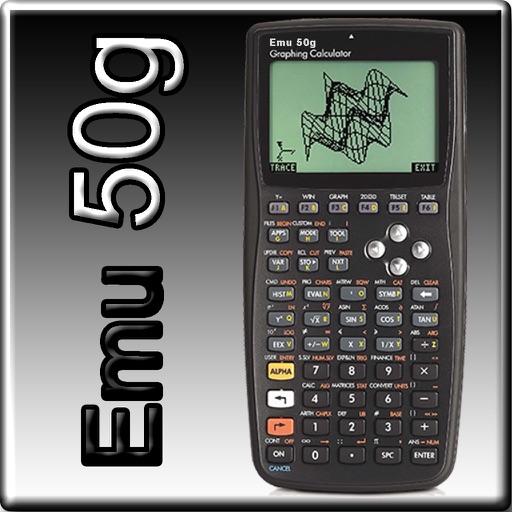
The app provides full emulation of the HP50g calculator with its original skin. Users can save and load calculator states, transfer files, and copy/paste results.