Apps Like Addons for Minecraft Community for iPhone and iPad
Share creations, connect with players, exchange tips
Connect with players to share creations like Add-ons, Maps, and Skins. Discuss tips and knowledge about the game. Create and edit posts, comment, like, and follow others. Search for posts and users. Follow or unfollow players to stay updated.
by Tuan Phan★ 4.513,404 ratingsLifestyleFreeData updated 2026-09-12
Explore mods, maps, and skins for creative gameplay. Share memes and discuss updates with other players. Install mods for multiplayer sessions or solo play. Access weapons, furniture, shaders, and more. Easily apply mods and maps within the .
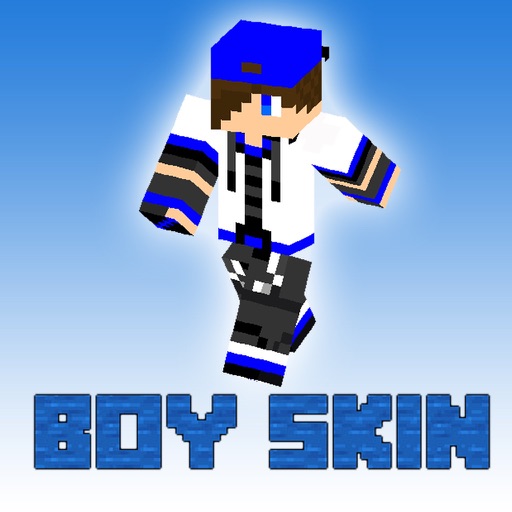
Search for with hand-picked designs from professional creators. Browse and download directly. View skin details and preview appearances. Share with friends via in- messaging.
Install buildings directly on your map. Choose from houses, castles, skyscrapers, and pixel-art designs. Search for over 1 million structures. Place objects precisely using a 3D viewer. Automatically build objects without following instructions.
Install and manage for . Select and download for weapons, cars, furniture, and more. Open mod files within the to import them into . Activate chosen in world settings for multiplayer use with friends who have the same installed.
Browse and select add-ons, skins, maps, and textures for . Install packages with one click. Automatically download and install selected items. Launch the game directly from the .
Provide PE compatible for exploration and gameplay. Download and install directly from the . Access new with each update. View map details and install them within the .
Explore maps in , including Medieval , Parcours, and SkyBlock. Choose and download maps directly. Import map files into to play. Share maps with friends or play solo. View map details and download options within the .
Learn to build with step-by-step tutorials. Use AI tools to assist in Minecraft creation. Locate diamonds, gold, and other resources with an ore finder. Find seeds for new adventures. Create in Minecraft with guidance and tools for all skill levels.
Create and customize characters using an intuitive with hundreds of ready-made templates. Edit multiple elements simultaneously. Use advanced drawing and coloring tools. Generate skins with AI. Import and export creations.
Allows users to host a Bedrock Edition server and display it as a LAN server on Xbox or PlayStation devices. Enter server IP and port, run the service, then connect via the LAN tab in Minecraft. Supports connection without DNS rerouting.
Customize with by adding 3D backgrounds, colors, fonts, and sounds. Preview changes in-game. Install pre-designed or create custom ones. Apply with two clicks.