Calculate tips with preset percentages or a custom slider for precise adjustments. Split bills among 1-50 people to determine individual shares. View real-time totals including tip and final amount.
Edit photos by importing from camera or gallery. Add glasses, mustaches, beards, hats, and bowties. Resize, rotate, adjust transparency and color. Erase parts of accessories for a custom look. Share edited photos directly.
Files between Word, Excel, PPT, JPG/PNG, TXT, and PDF formats. Export PDFs to Word, JPG, and PPTX. Edit PDFs by extracting text or merging/splitting files. Add e-signatures, stamps, or watermarks to secure documents.
Navigate with real-time turn-by-turn directions, live traffic updates, and route optimization using Apple Maps or Google Maps. Switch between full-screen and split-view modes. Stream music from Apple Music or Spotify with a Now Playing widget.
Edit photos with text, stickers, and designer fonts. Apply filters like candid, evil VHS, or vintage. Create collages and design layouts. Save and share edited photos directly.
Edit photos with face filters and special effects. Apply spooky makeup and distort features. Share edited images directly or save for later. Create fake photos for pranks.
Unwanted , people, text, or distractions from photos with swipe gestures. Highlight areas to fix using AI-powered tools. Edit and enhance images for a clean, polished look. Share edited photos directly.
View , videos, and GIFs from the device's system album. Transfer to a PC via Wi-Fi. Share between devices using Wi-Fi and QR code scanning. Create albums with password protection. Access camera to take and save to favorite albums.
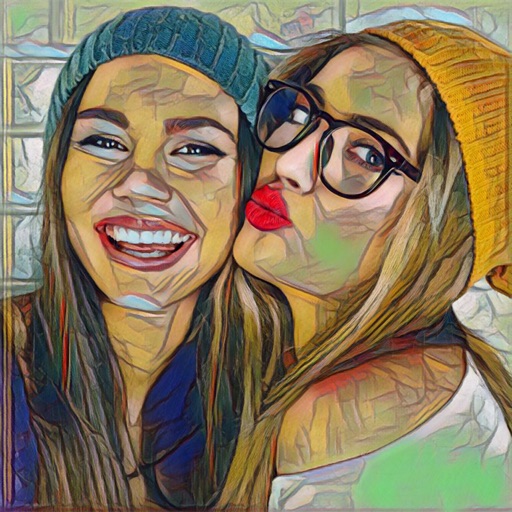
Edit photos with 30+ art and cartoon . Apply hipster-style to images. Save and share edited photos directly. Adjust brightness, contrast, and saturation. Export in standard image formats.
Edit videos with precision tools to trim, split, and merge clips frame-by-frame. Resize and crop videos, including maintaining original proportions. Enhance photos and design collages within the same .
The app stores private photos and images with password-protected access. It supports nearly every image format and allows users to preview files without leaving the application.
Create and edit PDF documents by scanning papers or importing files. Convert photos and images to PDF. Merge or split PDFs, compress files, rotate pages, reorder, and delete pages. Export in various formats.
Convert photos to PDF, JPG, or PNG instantly. Supports , HEIF, JPEG, and PNG formats. Maintain full image quality with no loss. Set custom file names and preview before saving. Merge multiple images into a single PDF.
Apply filters and masks to selfies. Choose from various disguise options like ninja, mummy, or gingerbread. Edit and enhance photos with basic tools. Save and share modified images directly.
Edit photos with cropping, resizing, and background removal tools. Generate AI images and create collages. Adjust colors and brightness. Export in various formats and share directly.
Edit photos with holiday , text, and stickers. Add personal messages to images. Save edited photos as device wallpaper. Share finished cards with others.