Edit photos with customizable romantic . Apply pre-designed themes for special occasions. Save and share edited images directly. Adjust frame styles and colors for personalization.
Edit photos using presets from photographers and content creators. Adjust brightness, contrast, and saturation. Apply filters and crop images. Save and share edited photos directly.
Edit photos by removing objects and changing backgrounds. elements to create montages. Adjust transparency and replace backgrounds. Save and share edited images directly.
The app allows users to take wide-angle self-portraits using the iPhone's front camera with a full-screen preview. It can combine four photos into one and offers options for single shots or timed intervals between photos.
Remove similar color backgrounds from images and save transparent versions to the camera roll. Erase using finger or wand tools. Zoom and rotate with two fingers. Crop photos and share to other apps.
Split expenses by scanning receipts and itemizing costs automatically. Assign items to individuals, calculate shares, and generate payment requests. Sync with contacts and track group spending history.
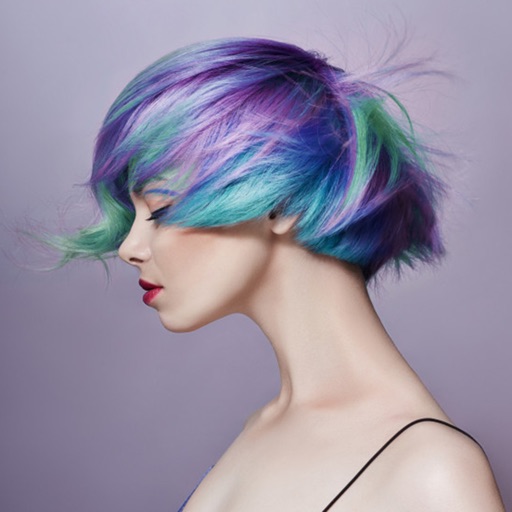
Edit photos by applying various hairstyles including long, short, straight, curly, and special styles. Add different colors and adjust hairstyles to fit any face. Save and share edited images directly.
Apply to photos to change their appearance. Save edited photos to roll automatically. Share photos directly without manual export. Purchase once for permanent use.
Scan documents to create PDFs. Edit PDFs by adding or removing text, images, and signatures. Insert, merge, and split PDF pages. Export and share edited files.
Split expenses by scanning receipts or importing images. Assign items to users or split costs evenly. Share payment requests via link, Venmo, Cash , or SMS. Collaborate with friends or groups for group payments.
Calculate tips and split bills by entering total amounts and selecting tip and tax percentages. Round payments up, down, or to the nearest amount. Save preferred settings for future use. Customize appearance with nine themes.
Turn your device into a digital with minimalistic design. Tap to cycle through photos from selected albums. Double-tap to switch crop modes. Long-press to toggle and display. Tap or to cycle through face options.
Edit photos to improve clarity and sharpness using AI technology. Remove blurriness and enhance image quality. Adjust brightness, contrast, and color. Save and share edited photos directly.
Remove unwanted , people, or clutter from photos using AI-powered tools. Edit images by erasing specific elements and refining edges. Save and share edited photos directly.
Take selfies with filters and skin enhancement tools. Edit photos with cropping, adjustments, and options. Record HD videos and apply color filters. Share edited content directly.
The app displays panoramic photographs using augmented reality. When the iPhone is moved left or right, the displayed panorama synchronizes its movement with the device.