Create photos with customizable . Select from options. Add photos from gallery or capture new ones. Apply filters for enhanced appearance. Include stickers or emojis. Save and share edited images.
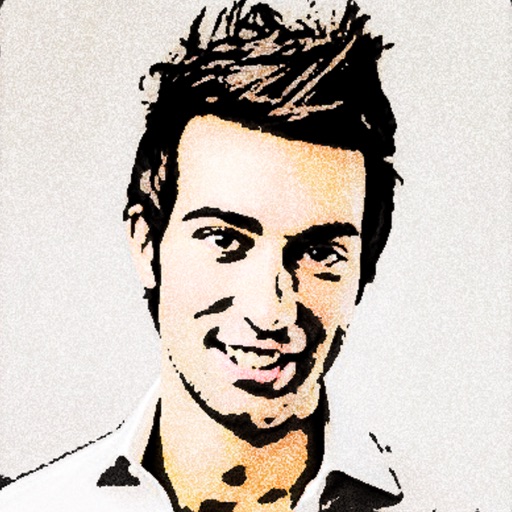
Turn photos into 12 styles with adjustable edge thickness. Add stickers before or after cartoonization. Save and share the edited image. No internet connection required.
Post photos and videos without cropping for Instagram. Add blur backgrounds automatically. Resize, rotate, and zoom content within the square. Apply effects, filters, stickers, and text. Select no layouts. Support 1080P video. Save in high quality.
Take selfies with a live beauty and apply custom filters. Create collages in 18 styles with masks and frames. Add spiral or neon effects to photos. Enhance and save library images. Capture selfies with a timer.
Add watermarks, text, signatures, and stickers to photos. Choose from symbols, trademarks, and social icons. Customize designs with logos and graphic elements. Save and share edited photos directly.
Create videos and images using editing tools. Track faces and objects. Access premium templates. Add labels and images. Download content from TikTok, YouTube, Instagram, Facebook, Reddit, Giphy, and more. Share edited content to social media.
Edit photos with 3D and color effects to create立体 art. Apply special effects to enhance images. Save and share edited photos directly. Use fun and intuitive editing tools for creative customization.
Edit photos by applying romantic from a gallery. Add text and filters. Resize or move images. Save edited photos. Decorate images with 3D for creative expression.
Create greeting cards and postcards with customizable templates, decorations, stickers, emojis, and fonts. Add photos, adjust text, and export designs to share via social media or email.
Capture photos with a vintage camera interface offering manual focus, exposure control, and film grain effects. Edit images using filters, brightness, and contrast adjustments.
Add to photos by selecting an image or using the camera. Choose from various dinosaur options and position them with drag, resize, and rotate tools. Use the erase tool to blend into the scene realistically.
Edit images with brightness, contrast, and other adjustment tools. Import photos and place them in customizable Story templates. Create gradients and use the dropper tool to match colors. Share edited content directly to Instagram .