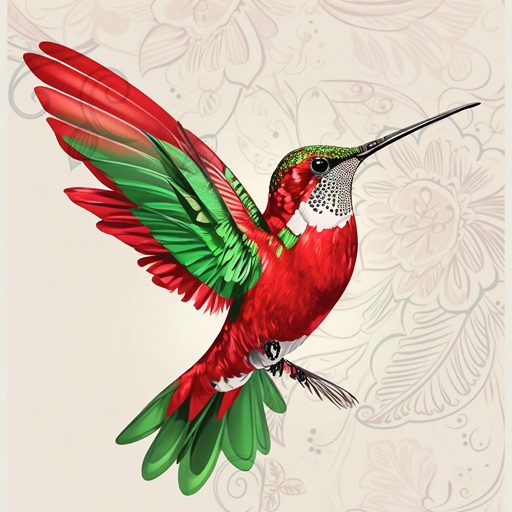
Download and use for iMessage. Send by tapping the icon in iMessage. Access the via the Store button in a new message. Select and send directly from the drawer.
Send stickers via iMessage by tapping the ">" button in a conversation, selecting the sticker pack, and choosing a sticker to add to your message. Drag and drop stickers into the text box to include them in your message.
Download and use to send animated floral images in iMessage. Access via the iMessage drawer by tapping the icon. Select and send directly into messages. Drag and drop to add them to conversations.