Edit photos with stickers, filters, and effects. Add text and manga-style elements. Create collages and share directly. Adjust brightness and contrast. Save and export in various formats.
by Vitaliy Odarchenko★ 3.411 ratingsPhoto & VideoFreeData updated 2026-09-12
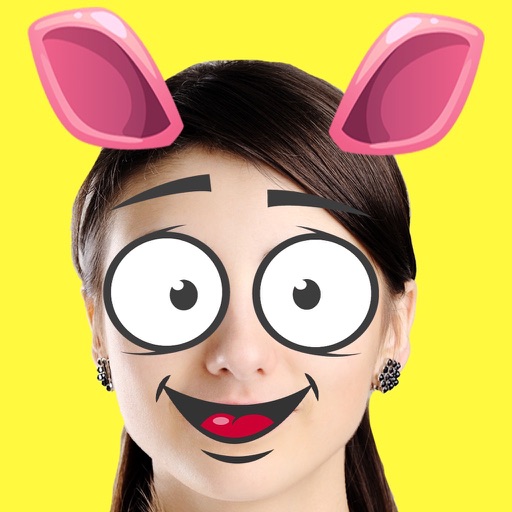
Create custom emojis by adding eyes, lips, hairstyles, hats, glasses, beards, mustaches, and props. Add text with various colors and fonts. Rotate, move, and zoom and text. Share emojis and memes directly within chats or social media.
Add to photos by selecting an image or using the camera. Choose from various dinosaur options and position them with drag, resize, and rotate tools. Use the erase tool to blend into the scene realistically.
Create -themed collages using 100+ available frames. Add text with customizable fonts and colors. Adjust opacity and rotate images. Select photos from gallery or camera. Apply effects to enhance visuals.
Create comics from photos with balloons, stickers,
Create comics from photos with word balloons, stickers, and filters. Add text overlays and adjust colors. Save and share finished comics. Edit and rearrange elements within the . Export in various formats.
Edit photos with effects, filters, and motion stickers. Apply virtual and adjust skin tone. Snap selfies with candy filters. Share edited photos to social networks.
Edit photos with customizable wing designs and shape transformations. Add filters, adjust brightness and contrast. Save and share edited images directly.
Edit photos with seasonal and holiday themes. Apply nature-inspired filters and effects. Add text and stickers to images. Save and share edited photos directly.
Edit photos with and apply filters. Add text and stickers. Create montages. Share edited images directly. Adjust brightness and contrast. Save and export in various formats.
Add cute and funny labels to photos of children. Edit images with customizable borders and stickers. Organize photos into albums and share edited content directly.
The app offers photo editing with effects, frames, and stickers. Users can adjust brightness, contrast, color balance, saturation, sharpen, and blur images.
Edit photos with customizable Day . Select images from gallery or camera. Apply effects for enhanced visuals. Share via Facebook, Instagram, WhatsApp. Save high-resolution images.
Blur image backgrounds to create effects. Select photos from gallery or capture new images. Apply multiple blurring tools to adjust blur intensity. Export edited photos to device storage.
Post photos and videos without cropping for Instagram. Add blur backgrounds automatically. Resize, rotate, and zoom content within the square. Apply effects, filters, stickers, and text. Select no layouts. Support 1080P video. Save in high quality.
Edit photos with color and film filters, vintage textures, and light leak effects. Adjust brightness, contrast, and saturation. Add vignettes and analog film sensations. Export edited images in various formats.