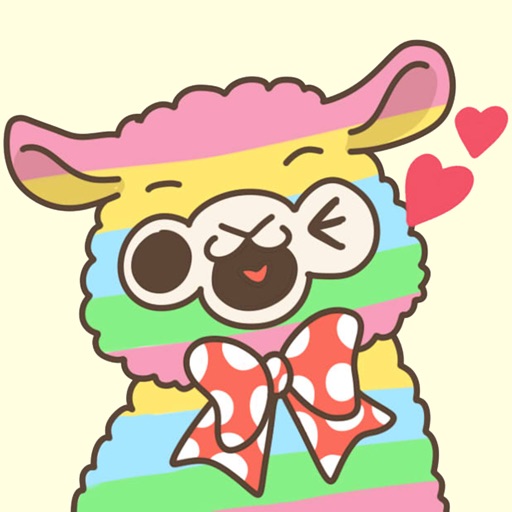
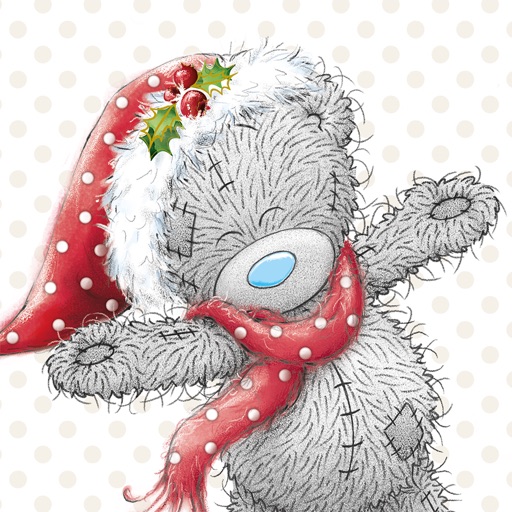
Attach a cute to messages. Choose from various styles. Add text or emojis to stickers. Share stickers with contacts. Save favorite stickers for quick access.
by kazuya fujinami★ 5.01 ratingsStickers$0.99Data updated 2026-09-12
Sticker includes 26+ adorable puppy stickers with 12pt white borders. Users can add stickers to messages, resize, and position them. Borders highlight puppy faces for visibility. Stickers can be shared directly.
Use -themed stickers to personalize messages. Add stickers to text, emails, and social media posts. Choose from various expressions and animations. Share stickers with contacts or save for later use.
Use stickers featuring cute Inu dogs. Add them to iMessage conversations by accessing the stickers section within the Messages . Tap the sticker icon to select and send. Manage sticker availability through the iMessage store settings.
Use AI-generated stickers to add humor to conversations. Choose from 70+ unique designs including a rainbow-barfing unicorn, an accidental mushroom cloud, and a toaster running for president. Send stickers directly within chats or social media apps.
Share and customize stickers with random doodles. Add, delete, and rearrange stickers on messages. Save favorites and access a growing collection of expressive images.
Use stickers to express emotions and actions. Send stickers by touch or drag and drop. Zoom and rotate with two fingers. Includes expressions like wink, confused, and dancing. New stickers added over time.
Use stickers to add humor and fun to messages. Choose from 48 dancing and joking dog stickers. Send stickers to friends and loved ones for entertainment. Share laughter through playful interactions.
Send and customize stickers in color. Choose from 80+ large emoticons. Add stickers to messages. Share stickers with contacts. Edit sticker size and position. Save favorite stickers for quick access.
Add animated stickers to messages in chatrooms. Tap to insert stickers into message bubbles. Drag stickers onto messages or other stickers. Rotate and scale stickers using a second finger.
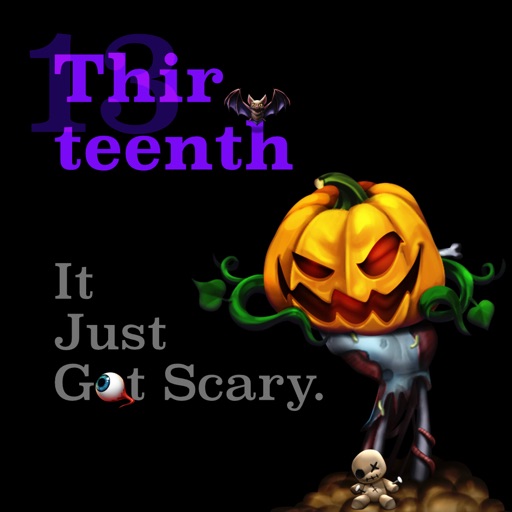
Create and share messages with animated stickers. Choose from a collection of scary-themed stickers to add visual effects. Customize stories with multiple sticker options and send through messaging apps.
Create and share custom stickers in group chats. Choose from over 60 themed stickers designed for fans of pop culture, gaming, and tech. Add stickers to messages, comment on posts, and suggest new ones via in- messaging.
Create and share stickers for WhatsApp and iMessage. Choose from themed collections reflecting Mumbai culture and slang. Add stickers to messages to express emotions and moods.
Send stickers in iMessage to contacts. Choose from themed designs for messages. Enable through Store settings. Tap to send stickers directly in conversations.
Use animated stickers of , a playful character hosting parties and laughing with friends. Add stickers to messages, customize with text, and share across platforms. Includes sound effects and interactive animations.
Use stickers featuring the , a winged serpent from Cherokee lore. Add stickers to messages, customize with colors and text, and share across platforms. Includes animated and static designs.
Add humor to iMessage conversations with customizable stickers. Peel and stick doodle stickers over text, images, or other stickers. Resize stickers using a pinch gesture. Share stickers directly within iMessage.
Send stickers featuring a cat with expressive animations. Choose from playful, happy, or affectionate designs. Add stickers to messages, share reactions, and customize conversations with animated visuals.
Use NBA player stickers to personalize iMessages and group chats. Features include sending team-themed stickers, adding text overlays, and sharing via social media.