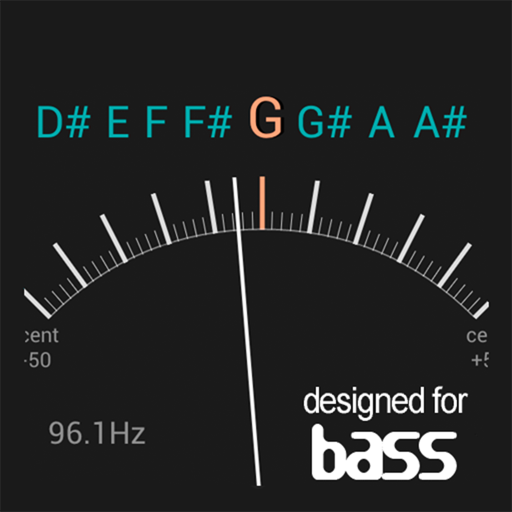
2.0 displays pitch and tone with a radial spectrum and pattern. Users adjust instrument tuning using a note dial. It supports multiple temperaments and piano tuning modes. Tracks frequency deviations in real time.Exports tuning data for reference.
And sight-reading with real instruments like , guitar, or violin. Use note buttons or a virtual keyboard. Receive feedback with smiling kitten animations. View session summaries and adjust settings.
Learn and practice music intervals, scales, modes, chords, and cadences. Play back examples to understand sounds. Practice with melodic or harmonic exercises. Receive feedback on accuracy. Track progress over time.
Tune instruments using a built-in microphone and chromatic scale. Display pitch with a clean interface. Adjust tuning settings manually. Disable ambient noise reduction for improved sensitivity.
Generate tones and sounds at specific frequencies. Create single or multiple tones. Use musical note presets. Produce binaural beats. Generate SFX sounds. Analyze waves. Perform tests. Adjust settings.
Allows users to listen to long tone recordings from professional musicians. It provides visual feedback showing the user's position within a chord. Users can adjust their pitch to match the sound.
Create using AI-generated tracks based on user input. Adjust structure, tempo, and style. Export songs in multiple formats and share directly. Collaborate with others to refine compositions.
Tune instruments with single tap. Adjust frequency between 435–445 Hz. Set up Siri Shortcuts for quick access. Save shortcuts to Home Screen, Dock, and Shortcuts Widget. Supports –440 and –443 .
Create unique sounds by shaping notes with your mouth near the speaker. Adjust tone pitch and volume. Access a tutorial for guidance on using the effect.