Create and edit and drawings for home screen and lock screen widgets. Draw with Apple Pencil or finger, type with keyboard. Customize backgrounds, colors, fonts, and zoom for details. Combine text and drawings in one note. Share as images or text.
Create collages by arranging multiple photos in predefined shapes. Choose from 100+ categories including hearts, animals, and flowers. Automatically place photos within selected shapes. Export finished collages.
Learn concepts through interactive games and videos. Practice factor pairs, number patterns, place value, rounding, fractions, decimals, and data interpretation. Track progress and reinforce common core standards.
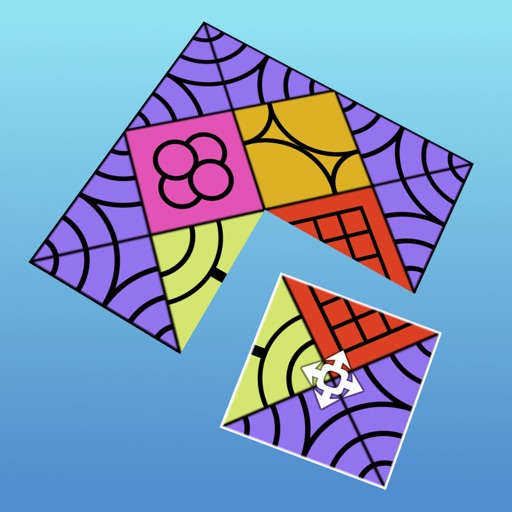
Solve by linking matching pieces to reveal hidden patterns. Access 1000s of unique with gradual difficulty. Use hints when stuck. Enjoy soothing music and serene visuals. Supports tablets and phones. Available in 16 languages.
Test your drawing skills by mimicking virtual signs to navigate a colorful, ever-changing cyber world. Collect bytes and interact with audiovisual elements. symbols to progress through relaxing, hypnotic environments.
Performs basic arithmetic, base conversion between binary, octal, decimal, and hexadecimal. It calculates GCD and LCM, factors primes up to 10^18, and solves roots and exponents. Includes 12 modes for various mathematical functions.
View 3D STL files with support for ASCII and binary formats. Load models from ZIP files. Rotate, pan, and zoom for graphic manipulation. Switch between orthogonal and perspective views.
Draw and animate shapes, words, or objects with touch or drag gestures. Create dynamic, physics-based animations with varying strokes and speed. Save or share artwork. View sample art displays.
Create art using biological simulations and reaction-diffusion patterns. Apply 40+ presets to generate natural-looking designs. Manipulate parameters to adjust patterns dynamically. Export artwork in various formats.
Create art and cross-stitch patterns with palette selection and gridline toggle. Use eraser, drag or tap to draw, and long press to fill. Trace images and export as files. Supports cross-platform creation.
Build and customize combat mechs with modular parts and gear systems. Design units for different roles like scouts or tank destroyers. Deploy mechs in real-time battles. Upgrade weapons and armor. Manage resources to sustain warfare.
The app shows expressions as users enter them and keeps a history of calculations. It performs fraction and angle conversions, solves equations, and converts between coordinate systems.