Design professional documents with premade templates for flyers, invitations, and presentations. Use 100+ tools, backgrounds, icons, and fonts. Import maps, photos, and designs. Adjust transparency and manage layers for custom edits.
Generate images from text using AI models like Imagen 3, Flux, and Seedream. Edit and refine visuals with AI tools. Export images for social media, stories, or other formats. Collaborate across devices with iPhone, iPad, and Mac.
Create vector artwork on iPad with precise drawing tools. Align objects to grids, paths, or points. Scale and rotate multiple objects in real time. Use masks to cut out elements from artwork or photos. Position text at any angle or along paths.
Edit photos and videos by automatically recognizing and processing backgrounds. Choose from four recognition methods including transparency, blur, and replacement. Process only the subject or apply effects like fluffy, mosaic, monochrome, or sepia.
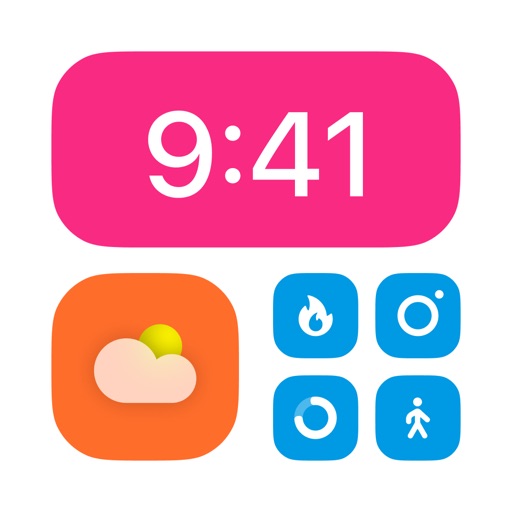
Create and manage configurations for iOS home screens. Add icons to lock screen with widgets. Generate custom icons from glyphs with color and gradient options. Import images as icons. Save multiple setups for quick style changes.
Customize home screen with icons, , and widgets. Set custom icons in one tap. Add lock screen widgets and choose from wallpapers. Support 100+ apps. Use packs and for personalized style.
Track current and past loads with detailed load cards featuring action buttons. Accept or decline preplans directly from cards. View HOS status with integrated navigation and fuel tracking. Manage work schedules and vehicle information on the go.