Instant Grid Maker
Gopi Chauhan
Split photos into squares and upload
Split photos into square formats for Instagram. Create collages by combining multiple images. Use customizable layouts. Export and share directly to Instagram.

Showing 221–240 of 1,000 ranked alternatives.
Gopi Chauhan
Split photos into squares and upload
Split photos into square formats for Instagram. Create collages by combining multiple images. Use customizable layouts. Export and share directly to Instagram.



SKYNES LAB LIMITED
Create collages and edit photos effortlessly
Create collages by combining multiple photos into layouts. Choose from 50+ grid styles and tree or 3D modes. Edit photos with cropping, filters, and text addition. Share finished collages directly.

Foobar Creative
Edit photos, crop, and post in order
Slice photos into smaller squares and arrange them in a specific order for Instagram. Users can select images from their library, crop them, and post the arranged slices to create a cohesive image.
Wilson Tjoa
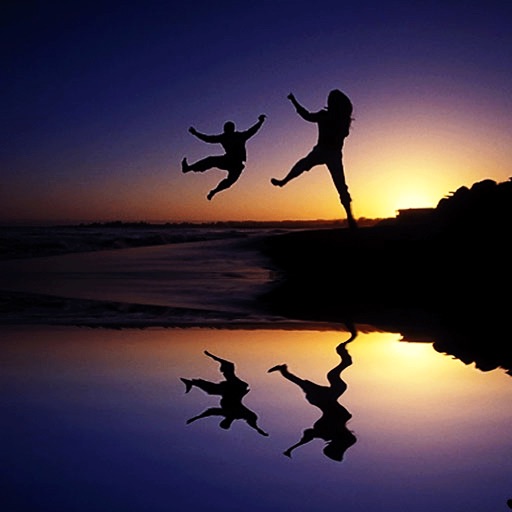
Animated water magic in photos.
The app allows users to create animated water reflections in photos. Users can post these creations as videos to social media platforms.

ElamParithi Arul
Split videos into 30s, 1m, or 2m
Split videos into segments of 30 seconds, 1 minute, or 2 minutes. Preview clips before splitting. Choose durations matching platform requirements like TikTok, Instagram Reels, YouTube Shorts, or WhatsApp Status.


lllsuperlll, Inc.
Share photos, videos, and stories
Share photos and videos with friends. Browse a main feed for updates or explore trending content. Post personal updates and engage with others through likes and comments. Discover new people and content without ads or business accounts.



Thomas Lojko
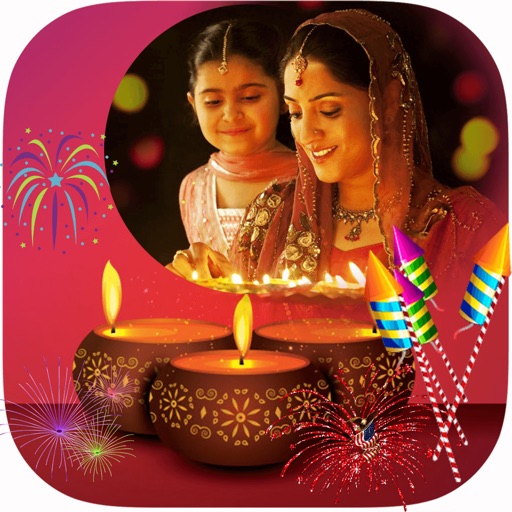
Frame photos with backgrounds and export as
Add backgrounds to photos from the library with simple taps. Crop images to square format for social media. Export edited photos directly for sharing.

LIKERY PTE. LTD.
Create collages and share instantly
Create photo collages using 20,000+ layouts and frames. Combine up to 16 photos in customizable grids or freestyle arrangements. Add text with 1,000+ font styles. Edit layouts, adjust frames, and export collages.


Apps are ranked by functional similarity, category fit, rating confidence, and popularity.