Access real-time traffic data for roads, including closures, crashes, and roadwork. Receive audio alerts for traffic events while driving. View roadside camera images and plow tracker updates.
The app functions as a speedometer and accelerometer, displaying speed ranges with background colors. Users can toggle between mph and km/h and enlarge the accelerator display.
Receive real-time traffic alerts and navigate with voice guidance. Share traffic incident updates with others. View accurate routes and save time by avoiding delays. Contribute to community traffic data through simple submissions.
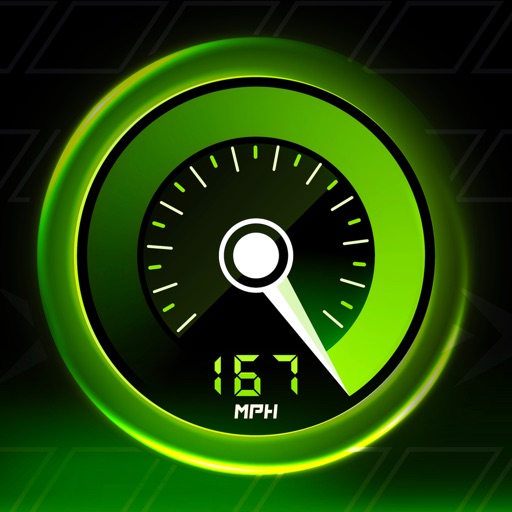
Track in real time using device sensors. View current in miles per hour. Set limits and receive alerts when exceeded. Log trips and review history. Share data via email or social media. Calibrate sensor for accurate readings.
Measure vehicle acceleration from 0-100 km/h and 100-200 km/h. Track quarter-mile times over 402 meters. Use built-in GPS and accelerometer for accurate data. Save and view speed and time logs. Share results via social media.
Monitors driving behavior and provides feedback during trips. Automatically starts when the vehicle is in motion. Tracks trip history and displays driving events on a map. Offers insights and improvement tips.
The app offers automatic map and traffic regulation updates, including signs and speed limits. It provides 24-hour traffic jam information and suggests alternative routes during trips.
Record location data including latitude, longitude, altitude, speed, and distance. Save logs in CSV, KML, GPX, TCX, FITLOG, and NMEA formats. Use Apple or Google maps. Enable background logging. Share files via AirDrop. Upload to iCloud Drive.
Calculate sizes and compare rim compatibility. Input measurements to determine proper fit. Display results in a today widget for quick reference. Track step-by-step calculations for accuracy.