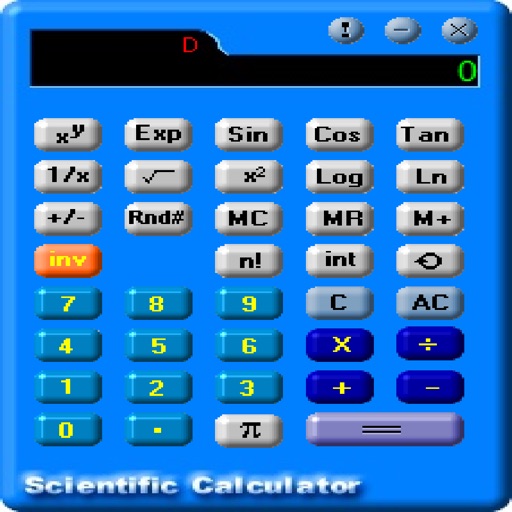
Plus provides arithmetic and scientific calculations with live expression preview and error detection. Perform operations in exact form, fractions, and scientific notation. Switch between standard and scientific modes. Share results directly.
by Wern Jie Lim★ 4.7133 ratingsUtilitiesFreeData updated 2026-09-12
The app offers a financial calculator with RPN entry and functions matching the HP-12C. It features visible financial registers, a two-line display, and program lines showing function names for easier use.
Convert units across 16 categories including temperature, currency, distance, weight, and volume. Access a standard and scientific within the . Units are organized by usage frequency with commonly used units displayed first.
Calculator displays calculations in real-time and saves a history accessible by swiping up. It handles fractions, converting between proper, improper, and mixed formats. It supports degrees, minutes, and seconds for angle input.
The app provides real-time calculation results as users type, allowing them to see and edit the entire calculation at any position. It supports calculations of almost any length with an unlimited undo and redo feature.
The app provides multiple calculators in one. It includes scientific, algebraic, and logic functions with conversion tools for various units and memory registers.
Perform arithmetic, business, , and scientific calculations. Convert metrics and currencies. Calculate markup, margin, loan amortization, net present value, and internal rate of return. Determine bond yield to maturity and Macaulay duration.
The app supports unit symbols in calculations, providing answers in desired units. It includes physical constants and properties for elements, saving time on conversions and calculations.
Perform calculations, convert units and currencies, and compute percentages and proportions. Calculate areas and volumes. Drag and drop to create custom calculators. Solve complex or simple math problems.
Perform calculations for generators and UPS systems, including single and three-phase setups. Convert lumens to watts and calculate fuel consumption. Determine ampere values from kilowatts and kilovolt-amps.
The app offers a calculator with unit conversion, tip calculation, and RPN mode. It features a history tape and adapts to user preferences for button size and interface design.
Perform calculations with an intuitive interface. Input expressions directly, see the full equation, and edit it dynamically. Automatically recalculate results after changes. Access scientific functions like sine and cosine.
Perform complex calculations using RPN input. Access a wide range of scientific and programming functions. Customize skins and adjust key feedback settings. Input and edit equations with precise control. Save and retrieve programs for repeated use.