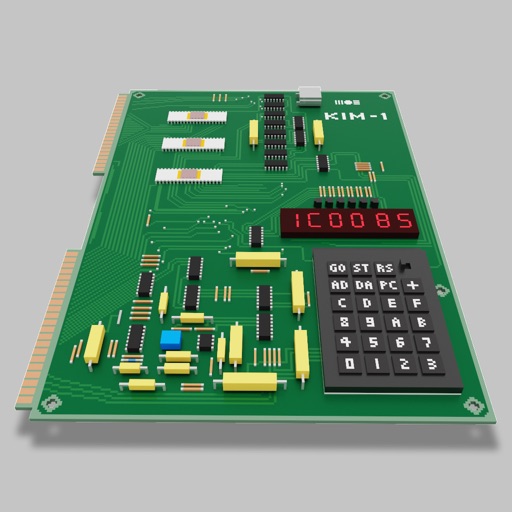
Users can assemble and debug assembly code using a simple interface with 7-segment LEDs and buttons. Run programs on an emulated 8-bit processor. Solve programming puzzles and explore hardware components used in early home computers.
Share iPhone with devices on the same local network. content via to computers, other iPhones, or Smart TVs using a web browser. No external servers or internet connection required. Control sharing directly from the device.
LE allows users to send bytes as ASCII, HEX, or Decimal values. It displays device services, characteristics, and their values. Users can view device name, UUID, and RSSI readings. Data transfers can be tested without a custom .
Developer tools for Safari enables web developers to inspect DOM elements, view network activity, examine console logs, and access stored data. It allows code inspection, error checking, and resource management.
And analyze HTML, XML, JavaScript, CSS, JSON, RSS, and ATOM code. Support for iPhone, iPad, and Mac devices. Browse code with intuitive navigation. Edit and format code directly. Save and export code files. Sync code across devices.
Logs acceleration, gyroscope, and magnetic field data simultaneously. data as CSV. Enable real-time visualization for live data viewing or disable for higher accuracy. Adjust sampling rate based on hardware capabilities.
Create programs using a with interface elements like buttons, text boxes, and sliders. Organize objects into pages. Publish apps via SDK for Xcode. Write code for standalone iOS applications.
Monitor server performance with real-time CPU, memory, and disk usage tracking. Manage virtual machines and backup jobs remotely. View logs and alerts. Configure storage and network settings.
Mask your real location to prevent online tracking. Select custom locations from a global map. Adjust timezone settings for accurate time displays. Control location data sharing while browsing.