Detects objects by measuring magnetic field strength in microtesla. Displays real-time magnetic field levels. Uses device's built-in magnetometer. Alerts users when is detected nearby. Helps identify metallic objects in close proximity.
Calculate dimensions and pressure loss for 7 materials. Solve linear and rolling offsets, cutbacks, and other job site equations. Convert units and store standard data for quick access.
Use maps and satellite imagery to locate and measure roofs for solar installations. Enter addresses or zip codes to find target roofs. Define roof boundaries and input pitch angles. Instantly calculate suitability for PV or thermal systems.
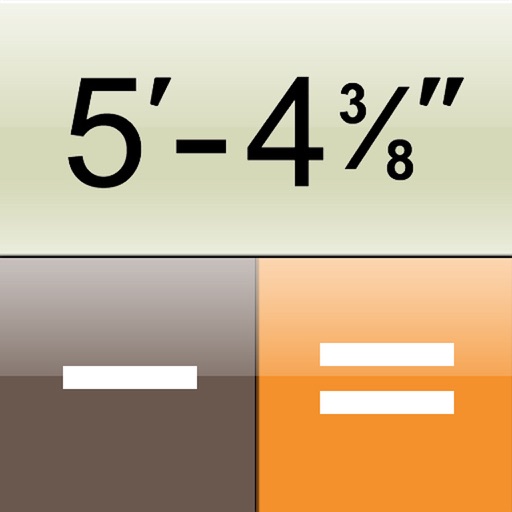
The app is a construction calculator for feet, inch, and fraction dimensions. It transforms the iPhone into a calculator that inputs and outputs dimensions as they appear on a tape measure.
Create detailed floor plans using 3D measuring tools. Measure objects or rooms by taking photos or using the screen. Leverage AR to visualize dimensions and spatial relationships. Export plans and share them directly.
View and edit DWG, DWF, DXF, and PDF files. Perform precise measurements with 8-digit accuracy. Add annotations and export drawings. Share files and access a large TTF font library. Print drawings directly.
Calculate offsets, angles, and lengths with precise measurements. Input dimensions to determine required lengths and fitting positions. Save and export calculation results for project reference.
Draw and measure surfaces with automatic creation. Calculate perimeter of closed and open areas. Switch between meters and feet. Adjust line width, zoom, and set custom plans. Export as image, PDF, or share via social media and messaging.
Allows users to view, edit, and remove metadata from photos. It displays EXIF tags such as camera settings and location. The includes an extension to view metadata directly in the Photos . Users can manage privacy by editing or deleting metadata.