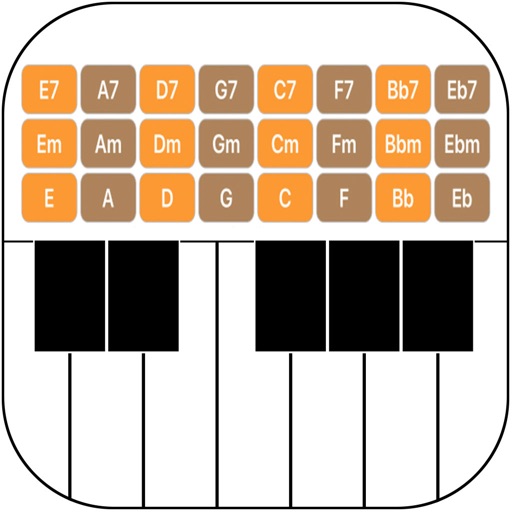
Create and play music with chord circles and strum keys. Switch between major and minor keys. Play scales and set auto-accompany with drums, bass, and arpeggiators. Record performances and share them.
Create and edit chord progressions by selecting keys and chords. Build custom sequences and explore variations. Learn through interactive play and real-time feedback. Export progressions and integrate with music production tools.
Practice musical and chord recognition with customizable exercises. Select difficulty levels from beginner to advanced. Track progress and receive recommendations for targeted skill development. Sync with Apple Health to monitor practice sessions.
Practice ear training by identifying intervals, chords, and scales. Listen to audio examples and select the correct answer. Track progress with detailed reports. Sync lessons across devices and receive instant feedback on accuracy.
Practice ear training, sight reading, and music theory exercises. Set musical goals and track progress with detailed statistics. Focus on specific areas like intervals, chords, and rhythm. Challenge weak areas and invite friends to practice together.
Identify and name guitar chords in real time. Display chord diagrams and names. Share chord progressions and variations. Learn chord transitions and fingerings.
Allows guitarists to control MIDI instruments and loops using a guitar-mounted controller. It enables playing synthesized sounds, arpeggiated patterns, and layered instruments. Users can record and playback audio files triggered by guitar notes.
Create tracks using chord-based loops. Play along with built-in instruments. Adjust tempo and key. Add custom loops. Export finished tracks. Sync with MIDI devices. Share projects directly.
The app offers a comprehensive browser for 152 chords and 162 scales, featuring staff notation, a notes quiz, and a symbol library. It includes a multi-touch piano and detailed views with intervals and descriptions for musicians.
Create using AI-generated melodies, lyrics, and compositions. Adjust tempo, key, and genre. Export tracks in multiple formats. Collaborate with other users to refine and share creations.
Create melodies using the of fifths and fourths. Choose key and scale mode. Generate for selected key. Play via built-in player or arpeggio by holding chord button. Access scale notes individually with play button.
Create beats and melodies using drum kits, synths, and melodic instruments. Sample audio via phone microphone. Edit MIDI sequences and export tracks to Live. Explore sound libraries and experiment with effects. Save and share musical ideas directly.