Create GIFs and videos from Live . Trim, reverse, adjust speed, and resize GIFs. Share via iMessage, Facebook Messenger, Twitter, Slack, Tumblr, and more. Select single frames for animation. Edit with 3D Touch support.
Edit photos with PIP frames, collages, and creative layouts. Add crystal bottle patterns and cartoon styles. Share edited photos directly to social media. Adjust brightness, contrast, and colors. Crop and rotate images.
Edit photos by adding holiday with adjustable size, color, spacing, and placement. Apply holiday-themed frames and text overlays. Animate with two timers. Share 10-second videos, animated GIFs, or single-frame photos.
The app allows users to send photos directly to CEIVA frames from any location. Users can also view, save, share, and store their photos, and invite others to send images to their frames.
Personalized by selecting photos or from the gallery and applying favorite frames. Adjust images with zoom, rotate, and move gestures. Choose background music or mute the video. Save and share the final video through social media apps.
Customize lockscreen and homescreen with high-resolution and frames. Rotate and select top and bottom frames. Use custom calendar designs. Apply full HD for both screens.
Edit photos with -themed , , and gifs. Add text, stickers, and seasonal effects. Share edited photos directly. Customize with color schemes and effects. Create and save wishes.
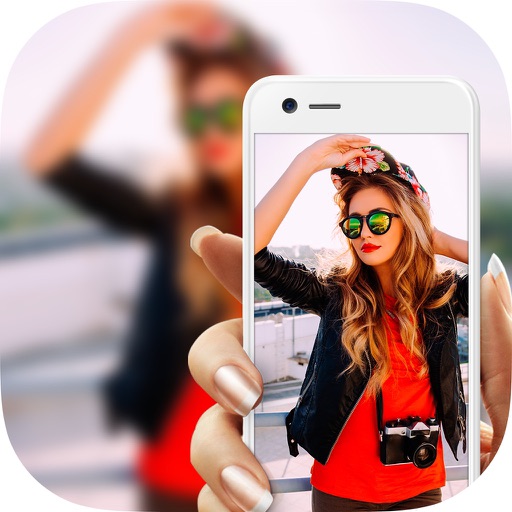
Select photos from gallery or photo library. Choose from numerous PIP frames. Use single image for both foreground and background or different images for each. Edit foreground and background separately. Apply photo filters.
Select a and to create a personalized image. Add names and photos to the design. Share the final image via social media links. Include special greeting cards with customized name and image.