

Apps Like iMark · Image Annotation Tool for iPhone and iPad
Annotate images with tools and styles
Annotate images with tools like arrow, rectangle, circle, text, and magnifier. Import photos from library, camera, or map. Export with custom sizes and share. Customize colors, undo changes, and manage layers. Crop images and save history sessions.
iMark · Image Annotation Tool screenshots
Ranked alternatives
Showing 661–680 of 1,000 ranked alternatives.


DataGraph
Visual Data Tools, Inc.
Import data, compute, visualize
Import data from various sources, organize and compute datasets, and create custom visualizations. Build publication-quality graphs and animations using a visual interface.

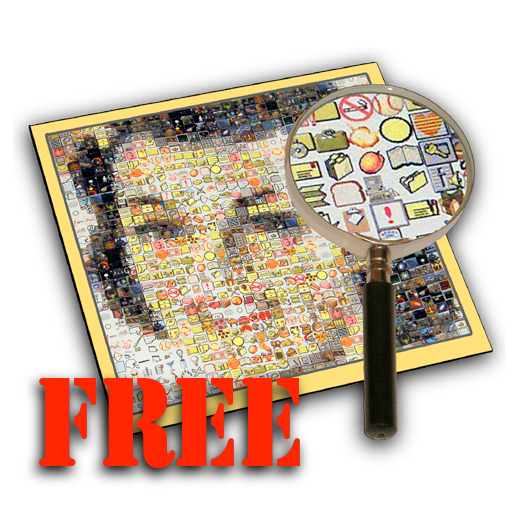
Mazaika Free
Boris Glazer
Create composite images from smaller pictures.
The app creates a composite image from hundreds of smaller images. Users can assemble mosaics from predefined tile libraries or use their own images as tiles.


XDesign
TouchAware Limited
Vector drawing and design for Mac.
The app provides 2D vector drawing and design capabilities for Mac, iPad, and iPhone. It offers full feature compatibility and automatic iCloud sync between devices.

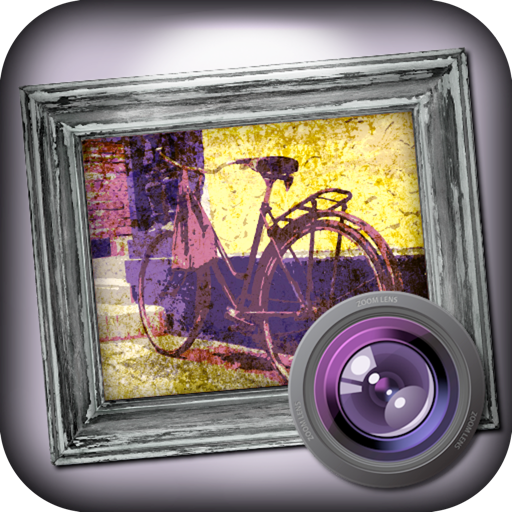
Grungetastic
JixiPix, LLC
Create grungy distressed distorted images.
The app transforms photos into grungy, distorted, and distressed images. Users control colors, overlays, and borders, with endless combinations and a randomize button for unexpected results.


Mosaic Photo & Video Collage
Limit Point Software
Create photo and video collages easily.
The app allows users to create collages using photos, videos, and Live Photos. It offers 345 built-in layouts or custom layouts with adjustable tiles and customizable metadata.


Doodle Books
Brook Seaton
Create sketches, doodles, drawings, and notes.
The app provides tools for creating sketches, doodles, drawings, and notes. Users can record video of their painting process or narrate a completed book.

MusicJot TryOut
Mona Lisa Sound, Inc.
Write music, edit notes, play back scores
Create and edit musical scores using handwriting input. Render notes into professional notation and playback. Adjust note pitch and duration by dragging. Use split screen and dark mode. Access 128 General MIDI instruments and unlimited tracks.

How we rank alternatives
Apps are ranked by functional similarity, category fit, rating confidence, and popularity.