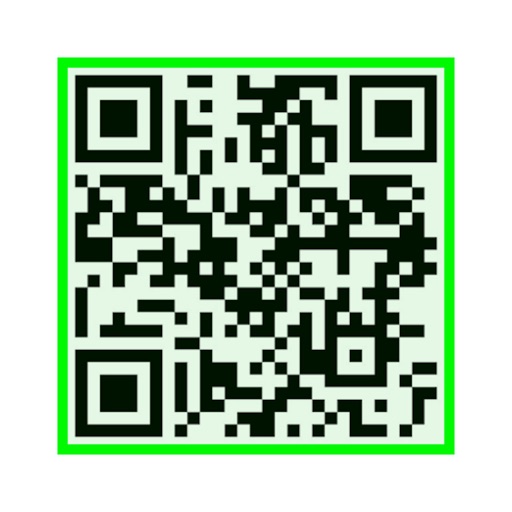
The app recognizes, scans, and decodes QR codes automatically. It performs actions based on QR code type, such as opening web addresses or sending emails, and retains a history of previous scans.
Nd scan QR codes and barcodes. Create custom QR codes and save them. Scan QR codes from images or the camera. Share generated codes via email or messaging. View scanned details and copy text.
Scan QR and barcodes to access website URLs, product details, and other information. Save, copy, or share scanned data. Create custom QR and barcode codes using the built-in generator. Detect codes automatically with one tap.
Barcodes and QR codes to retrieve product prices, ingredients, and nutritional information. Access detailed content and links directly from the . Share scanned results via copy or social media.
Scan QR codes, EAN/UPC barcodes, PDF417, and 128 from camera or photos. Create and manage Codabar barcodes. Organize scanned codes into folders. Share codes via links or images. Export barcode data in multiple formats.
Scan QR codes and barcodes quickly. Create custom QR codes. Retrieve product information, deals, and discounts. View and manage scan history. Share scan results with others.
The app scans multiple code types including QRCode, EAN13, and Code128. It also generates QRCodes with text, titles, and photos, and saves scanned information to a list.
QR launches camera instantly for quick scans. Displays results directly without extra steps. Stores scan history for easy access. Shows URLs and text immediately. Features minimalistic design for focused use.
Scan QR codes and barcodes using your smartphone’s camera. Decode product information, URLs, and contact details instantly. View detailed results including links and data. Share scanned content directly or save for later.