A chromatic that aligns two dots for accurate tuning. Works in landscape and portrait modes on iPhone and iPad. Includes an adjustable base frequency from 440Hz. Requires holding the mic close for silent instruments.
Play virtual accordion with a three-row fingerboard that mimics the traditional instrument's layout. Practice chord combinations, scales, and songs in five key combinations. Choose from color options to customize the interface.
Use music library to practice and record vocals. Remove original vocals, tune , and apply vocal effects. Share recorded performances. Sync with iRig and iRig MIC devices. Adjust audio settings for better sound quality.
Import videos and apply effects with presets like Small Room, Medium Hall, or Cathedral. Adjust Wet/Dry settings or create custom and delay. Export as original size, lower file size, or audio-only. Save or share the processed .
Practice musical and chord recognition with interactive exercises. Track progress with saved statistics. Return to specific exercises for focused improvement.
Identify by tapping the screen to record audio. Display song titles and artist names. Provide lyrics and related tracks. Share song details via social media or messaging. Sync with libraries for instant access.
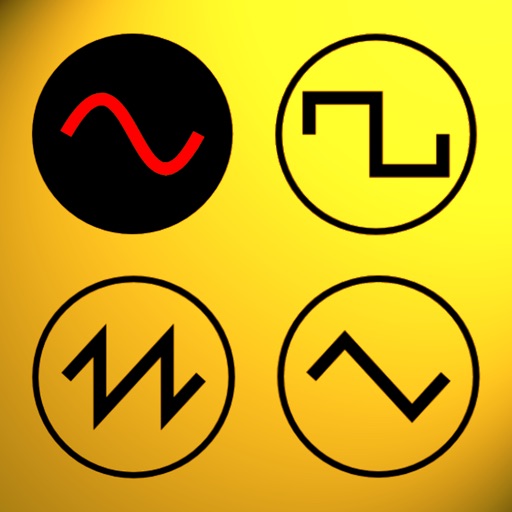
Udio tones with customizable frequency settings from 15Hz to 22KHz. Choose between sine, square, sawtooth, and triangle waveforms. Create and save custom presets. Control playback from notification drawer, lock screen, or headset buttons.
Create pitched delays and reverbs using twin reverse pitch shifters. Manipulate granular delay length and pitch. Add depth to synths, guitar, and vocals. Includes reverse delays and reverb effects for sound design and solos.
Enhance audio beyond standard levels. Intensify for deeper sound. Adjust equalizer settings to customize audio quality. Personalize listening experience for music, podcasts, and videos.
Boost audio volume for devices using a powerful volume . Adjust sound levels to maximum output. music and video playback through device speakers. Control audio settings for enhanced listening experiences.
Create beats using professional studio samples and preset kits. Record and share beats with friends or the community via social media. Access tutorials and videos to learn production. Apply effects to enhance beats.
Identify musical notes using device microphone. Display frequency and pitch in real time. Tune instruments or voice with visual feedback. Track history for accuracy improvement. Supports piano and other instruments.
Set tempo using 36 preset options or manual adjustment. Choose beat divisions from 1/1 to 1/8. Increase or decrease tempo by 1 or 10. Requires iPhone speakers and active sound output.
Create and edit music using sampled Mellotron sounds from the 1960s. Access a library of instrument tapes including strings, choirs, and horns. Adjust pitch, volume, and effects. Export projects in audio formats and share files directly.