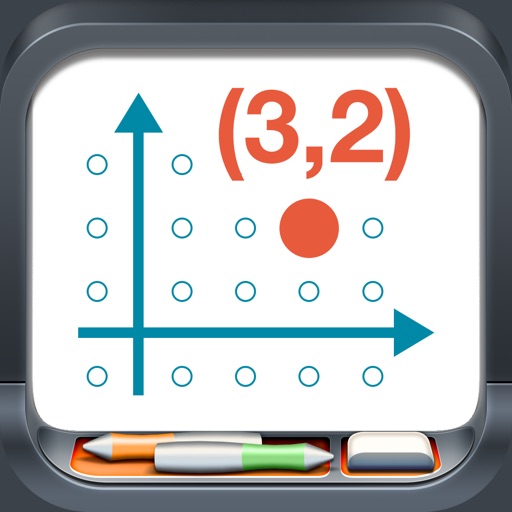
Model points and lines on a plane with colored elements and pair labels. Use a 19x15 grid or dot/square grid. Display tables of values and sliding axes. Graph ordered pairs, distance, and transformations. Plot ratios, rates, and linear equations.
Practice math with detailed solutions on angles, lines, triangles, circles, coordinate systems, and 3D . Take and save notes. Receive tips for applying concepts.
SAT Mastery offers practice for both No Calculator and Calculator sections. Users can complete problems, review solutions, and track progress. Features include topic-specific exercises, answer explanations, and performance analytics.
Explore graphical solutions to ordinary with interactive activities. Input custom or use preloaded examples. Plot vector fields and solutions for multiple initial conditions. Solve systems of up to six dynamically.
Solve equations, graph functions, and prove theorems with handwritten input. Convert handwritten into structured insights. Track progress with multiple intelligent views. Sync with Apple Pencil for precise note-taking and problem-solving.
Practice ACT with 490 questions and 49 revision notes. Take mock tests with mixed questions. Receive instant feedback on answers. Review each question with detailed explanations. Track progress with a progress meter.
Allows users to upload or snap a photo of a problem for instant solutions. It provides detailed, accurate explanations and breaks down complex calculations into clear steps.
Solve equations and expand expressions. Find derivatives and integrals. Work with undefined variables. Identify roots, minima, and maxima. Create tables of values. Perform regression analysis. Access free learning activities.