Create notes quickly with one step. Add text, links, and lists. Share notes directly with others. Save meeting details, addresses, and important data. Organize tasks and reminders.
by Pratik Patel★ 4.26 ratingsUtilitiesFreeData updated 2026-09-11
The app provides functionality for creating simple notes and keeping them secure by requiring a password for viewing or editing. It allows users to store personal details and pin numbers on their device securely.
AI allows users to transcribe speech into text across languages. Edit and organize notes with ease. Rewrite content in various styles for professional or casual use. Generate summaries and refine ideas with AI assistance.
And organize notes, quotes, images, and links. Create with text, voice, or camera input. Categorize and search for easy retrieval. Sync across devices and share notes directly.
Convert speech to text with high accuracy for notes. Use templates to structure documentation. Support multiple languages and learn new vocabulary. Connect to EMR systems. Comply with HIPAA standards.
Record audio notes and memos using phone microphone. Dictate text with voice-to-text feature. Save and organize recordings. Share files via email or cloud. Edit audio clips and add timestamps. Support multiple languages and dictation modes.
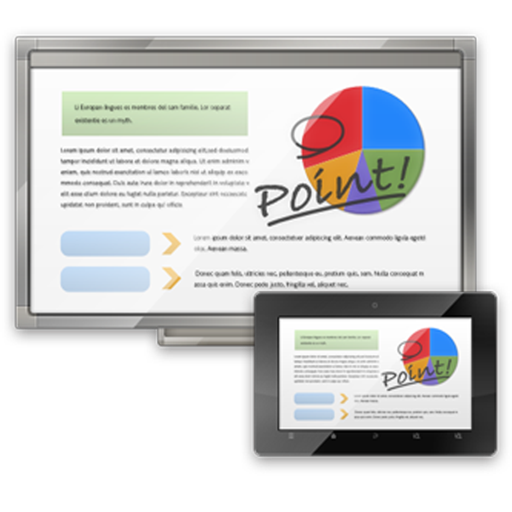
The app links a SHARP Touch Display or computer with a client device like a tablet. It enables sharing of meeting materials and screens, interactive writing, and remote control of the host device.
View a calendar with lunar dates and event scheduling. Create and edit events with reminders and customizable ring tones. Record handwritten with adjustable stroke size, color, and kerning settings.
Create, edit, and delete notes. Set label via touch. Schedule notifications for specific times. Sort notes by date or color. View notes in wide mode. Back up data to iCloud. Share notes with apps like Twitter, LINE, and Mail. Displays ads.
Scan QR codes and barcodes quickly with a single camera tap. Works offline and in low light. Generate custom QR codes for links, contacts, Wi-Fi, or messages. Share via text, email, or social media. Scan multiple codes at once in batch mode.
Track time with a for focused work sessions. Set reminders for meetings and learning plans. Create and organize shopping lists and notes. Record memos and manage alarms. Analyze time usage data to improve productivity.
Write notes using markdown with syntax highlighting for code. Save and sync notes to GitHub Gists. Access notes from any device. Render notes with beautiful formatting and website-like appearance. Edit, version control, and share notes seamlessly.
Track important dates with timers for birthdays, anniversaries, holidays, and milestones. View remaining time in years, months, days, hours, or minutes. Set reminders and access a Today widget for quick viewing.
And share favorite locations with a minimalist map interface. Categorize , add notes, and mark as unvisited. Visualize collections with a clean design. Protect data privacy and longevity.
Allows users to write notes quickly without creating new entries. It supports typing text, solving simple math problems, and syncing across devices via iCloud. Notes are stored in a single document.
The app provides a large database of Unicode characters, supporting the latest standards. It features customizable keyboards for use across iOS apps, bundled and importable fonts, and tools for browsing, searching, and copying characters.