
Apps Like anglesCam for iPhone and iPad
anglesCam screenshots
Ranked alternatives
Showing 21–40 of 1,000 ranked alternatives.

Simple RAW Camera
KANAME OHARA
Capture photos in RAW format
Capture photos in Apple ProRAW or Adobe DNG formats. Send RAW files via email or use file sharing to transfer to Mac/PC. Drag and drop RAW data from Finder. Also capture in HEIC format.

Close-up, daily selfies
Timothy Johnsen
Capture photos, create time-lapse videos, make animated
Take to create a photo journal. Make time-lapse videos and animated GIFs from photos. Backup and sync images via Dropbox. Tag photos with locations using Swarm.



Photo Editor - Picture Filters Blur Effects Cam
毅 朱
Edit photos with filters and adjustments.
The app offers tools to enhance photos with filters, adjust brightness, contrast, saturation, and warmth. It also provides options to crop, flip, rotate, and straighten images.

Funny Photo Frames & Funny picture Effects
Ankur Chauhan
Add , , and share photos
Apply filters and to photos. Select from pre-designed templates to create images or cards. Edit photos by adding text, stickers, and custom . Share edited photos directly.

Real Bokeh
Dongwook Cho
Edit photos with and light leaks
Create photos with effects and light leaks. Apply 36 shapes and 33 light leak effects. Use 23 image filters. Adjust size, opacity, and color. Draw multiple shapes with touch. Apply multiple shapes to one photo.


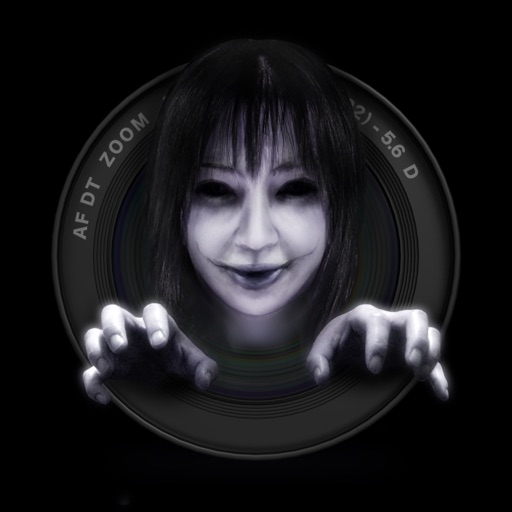
GhostCam
Tahito Aoki
Create fake ghost photographs easily.
The app allows users to create "Fake" ghost photographs. Users can specify the number, opacity, and size of ghosts, and select their placement within the photograph.

Fast Image To Text Converter
洁 刘
Capture photos, crop, and extract
Take a photo or select an from the library. Crop and rotate the photo as needed. Convert from the quickly with auto-detected language. Copy or share the extracted through multiple options.

Photo Edits with Foto Resizer
Iftikher Sultan
Take photos advanced controls
Edit photos adjustable temperature, tint, and exposure settings. Use texture blending tools and apply effects. Add stickers opacity and shadow control, and include text 3D effects and multiple fonts. Crop, rotate, and straighten images.

Water Photo Frames - Instant Frame Maker & Photo Editor
Patel Nishaben
Apply to photos and share them
Edit photos by selecting from the gallery or capturing with the camera. Apply various and effects. Adjust position, size, and angle. Save, share, or upload images to social media platforms like Facebook, Twitter, and email.

Model Photographer
Quantis, Inc.
Edit photos with high-quality filters
Take photos with single-tap effects and professionally designed filters. Adjust brightness and contrast. Apply blur and focus. Rotate and crop images. Export edited photos in various formats.


How we rank alternatives
Apps are ranked by functional similarity, category fit, rating confidence, and popularity.