Measure device dimensions with a ruler tool that displays millimeters and inches. Tap to mark start and end points. Switch between metric and imperial units. Share measurement results directly.
by Mayumi Kato★ 5.02 ratingsUtilitiesFreeData updated 2026-09-11
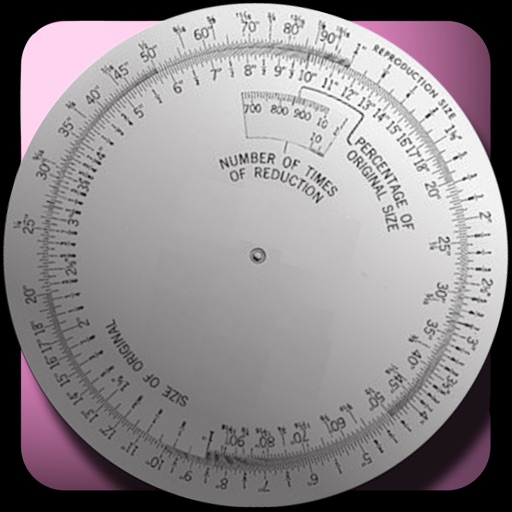
The app calculates new image dimensions while maintaining aspect ratio to prevent distortion. It offers fraction and percent modes, and an image scale tool for precise pixel sizing with a preview.
Calculate by inputting nominal diameters and selecting tolerance classes for bore and shaft. Display tolerances for common ISO classes. Switch between metric and inch units. View tolerance classes in charts.
The app offers tools for farmers, including calculators for tramlines, seed needs, yield, and seasonal performance. Users can switch between Inch and Metric units.
Determines cubic yards and hot mix tonnage. Input length, width, and thickness in feet or meters. Choose units for imperial or metric. Calculate results with a single tap.
Calculate exposure settings using system theory. Measure shadow and highlight zones. Input film ISO and shutter speed. Determine aperture value and adjust based on calculated results.
Track team recognition by creating and sharing gratitude notes. Measure psychological safety through feedback and engagement metrics. Foster a productive culture with customizable recognition programs and team health insights.
Calculate the approximate of an Atlantic Giant based on its total length, ranging from 177.8 cm to 1257.3 cm. Choose units in centimeters or inches and kilograms or pounds. Automatically compute the .
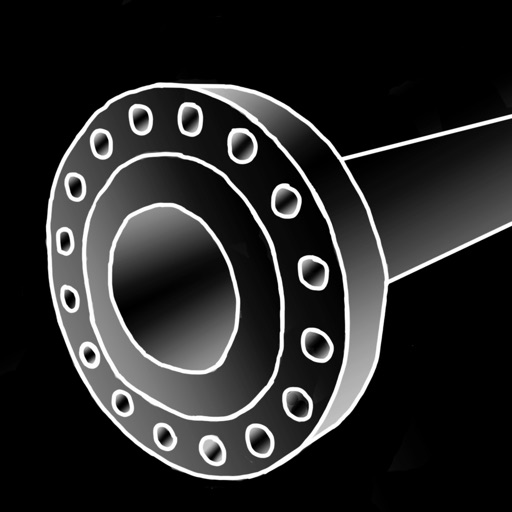
The app provides piping reference data with a built-in calculator. It offers three interfaces for accessing information: Catalog, Chart, and Wheels, supporting imperial and metric units.
The app provides a visual and precise method for measuring light. It displays aperture, shutter speed, and ISO on a connected exposure wheel for at-a-glance control.
Draw and measure surfaces with automatic creation. Calculate perimeter of closed and open areas. Switch between meters and feet. Adjust line width, zoom, and set custom plans. Export as image, PDF, or share via social media and messaging.
Measures environmental noise and displays values through a gauge and graph. Shows current noise reference and min/avg/max levels. Allows device-specific calibration. Displays data in multiple formats.
Adjust sights or scopes for pistols, rifles, or air rifles using precise measurements. Input target distance and bullet drop to calculate zero points. Save ammunition by reducing the number of rounds needed for testing.