Apps Like Photo Background Eraser – Remove, Replace & Blend for iPhone and iPad
Edit photos, remove backgrounds, images
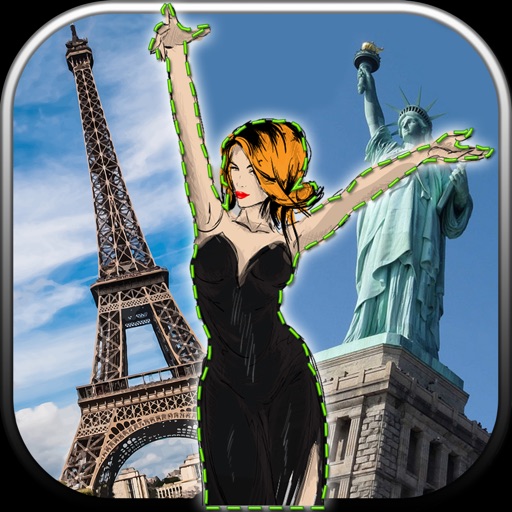
Edit photos by removing unwanted backgrounds and replacing them with scenic images. Cut out subjects and paste them onto new backgrounds. images for seamless montages. Share edited photos directly.
by Vladimir Djordjevic★ 2.210 ratingsLifestyleFreeData updated 2026-09-11
Edit images to remove or replace backgrounds using magic , auto cutout, and precision tools. Isolate objects, add new backdrops, and adjust shadows. Export edited photos for social media and online platforms.
The app removes unwanted objects from photos, including logos, text, and people. It uses an InPaint algorithm to fix photos, making them appear as if the objects were never there.
Edit photos to create formats without cropping. Add blurred backgrounds to full-size images. Resize, rotate, and adjust photos. Save in high quality and share directly.
Objects, people, or blemishes from photos. Edit backgrounds and save as PNG or JPG. Crop images, add text, filters, logos, or watermarks. Use one-click background removal and clipping tools.
Remove similar color backgrounds from images and save transparent versions to the camera roll. Erase using finger or wand tools. Zoom and rotate with two fingers. Crop photos and share to other apps.
Edit photos by selecting from a gallery or taking new ones. Choose from various -themed to enhance images. Save and share edited photos directly. Create postcards by combining photos with . Adjust and export final edits in different formats.
Create collages with customizable blur backgrounds and adjustable layouts. Apply filters like black and white, vintage, and retro to enhance images. Edit photos by resizing, cropping, or deleting elements.
The app removes unwanted objects like logos, text, or people from photos. It fixes imperfections and repairs images automatically, making them appear as if the objects were never present.
Edit photos to full size on Instagram . Stretch edge pixels to fill gaps. Choose from blur, mosaic, color, and pattern backgrounds. Take photos directly or import from gallery.