Resize videos to custom aspect ratios. Crop, rotate, and adjust dimensions. Add background blur, gradients, or solid colors. Include animated text and emojis. Export videos for Instagram, Twitter, Facebook, Pinterest, and YouTube.
Create videos by combining photos and videos. Trim and merge media files. Add background music and transitions. Apply filters to enhance videos. Import from photo library. Share on Facebook, Instagram, YouTube, and email.
The app allows users to record audio and take notes simultaneously. Notes are automatically time-tagged to align with the audio track, and the app offers organization by date, category, speaker, or location.
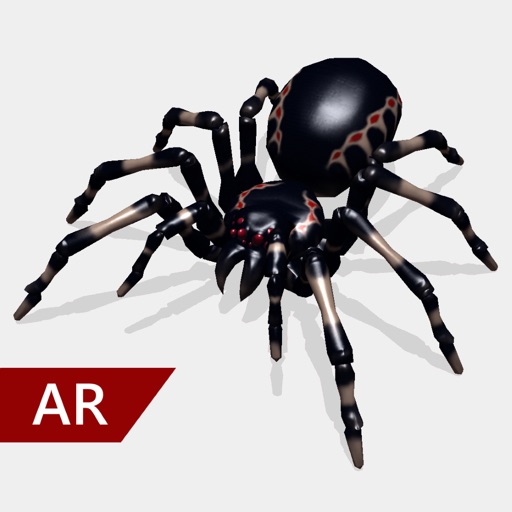
Create and share realistic scary videos featuring interactive . Choose from five spider types and adjust their size. Step on the ground to scare or let them attack. Apply nine full-screen filters to enhance the effect.
Extract high-quality photos from videos or Live Photos. Select individual frames to save as images. Share extracted photos directly from the . Supports burst extraction and offers precise frame selection.
The app imports contacts and allows users to add custom entries. It provides reminders for upcoming birthdays and enables direct communication with contacts.
Digital Photo Frame Slideshow Maker - Picture & Video Creator App LLC
Swap photos, rotate images, share moments
Display photos from your device, iCloud, and social media. Rotate images automatically. Create themed collections. Set schedules for when photos appear. Share photos via email or messaging. Add captions and borders. Adjust brightness and contrast.
The app reduces the size of photos and videos for faster sharing. Users can import media, resize it, and export it to various platforms or save it to their device.
Split videos into custom-length clips for social media . Upload to Instagram, Facebook, and other platforms. Avoid watermarks and time limits. Share content across multiple posts.
Convert videos to high-quality images with frame extraction. Play videos with smooth playback and beauty enhancements. Edit and share them on social media or via email. Save edited to the camera roll. Manage exported photo files.
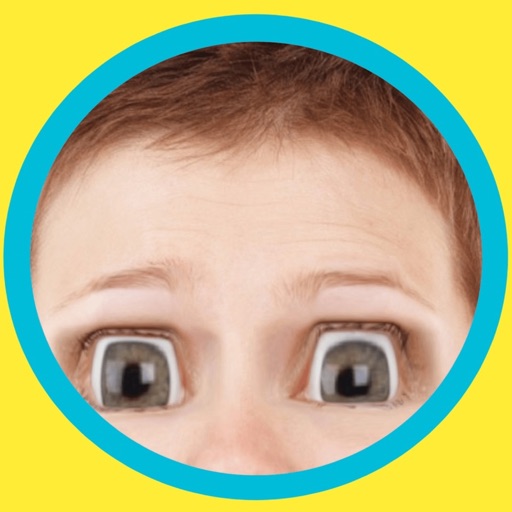
Change eye appearance in photos and videos using face detection. Apply funny eye effects like big, sleepy, or cartoon styles. Choose from makeup options including liners and shadows. Select animal or Halloween-themed eye transformations.
Edit photos by applying filters and adding eye effects. Choose from multiple eye styles and import images from the camera roll. Share edited photos on social media platforms like WhatsApp, Facebook, and Twitter.