View live video feeds from IP cameras and video servers in real-time. Add and manage multiple cameras with stored login details. Switch between dual and quad views. Support portrait and landscape modes. Configure unlimited cameras.
Employees can submit location check points, DVIR checks, fuel purchases, accident reports, mileage logs, and expense claims. Fleet managers can view all submissions and manage vehicle and workforce data through the web portal.
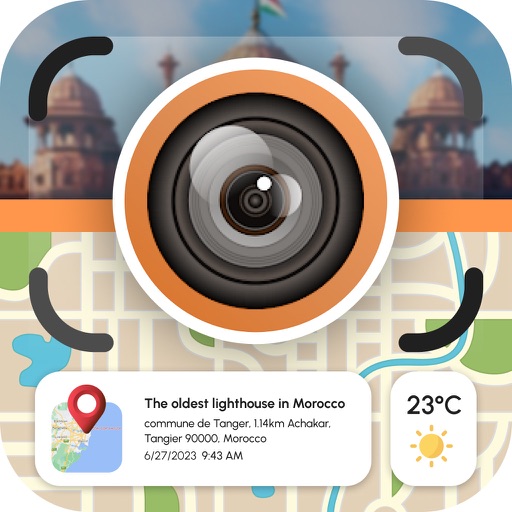
Photos with GPS data including , time, weather, and compass. Share geotagged photos with contacts. Add map markers, latitude, longitude, and altitude to images. Stamp photos with date and time. Sync data with captured photos.
Track missional activities, church planting efforts, and disciple-making metrics. Input and monitor progress data. Generate reports on future impact. Customize settings for different contexts. Share updates with teams or ministries.
The app captures graffiti incidents with city-specific metadata and uploads photos with GPS information. Users can add memos, specify addresses, and upload data in the background, with support for both online and offline modes.
Warehouse workers and supervisors capture shipment images and upload them to a cloud server with timestamps and load details. Share photos and data to track shipments, assign responsibility, and confirm shipment conditions.
Facilitates communication between contractors and property managers through satellite imagery and geotagged media. Contractors can upload time-stamped photos and videos with comments to document repair progress.
Capture and verify data offline using mobile devices. Sync with the server when online. Prefill through backend integration. Submit completed tasks and access workflows directly from the field.
The app helps service industry workers track tips, hours, and earnings. It allows users to log tips, track work times, and view income summaries on a dashboard.